


Written By Divya
Published By: Divya | Published: Feb 27, 2026, 11:34 AM (IST)


Written By Divya
Last year, Google’s Nano Banana image model quietly turned into a viral moment. It wasn’t just another AI tool, people actually used it. Whether it is about memes, marketing content, or viral image trends, it spreaded like wildfire. Then came Nano Banana Pro, which came for creators who wanted more control.  Also Read: Google apologises after racist slur appears in BAFTA news push notification: Here’s what happened
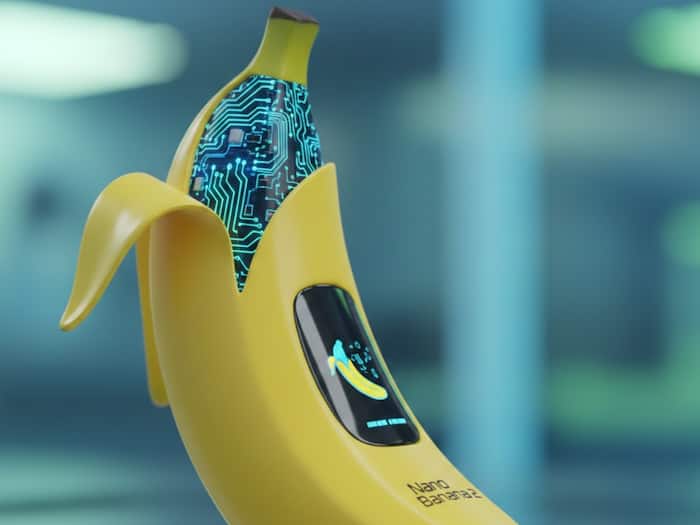
Now, Google has released Nano Banana 2, and this time, it’s trying to balance speed and quality in one package. What will be different from Google’s first Nano Banana model? Know everything here. Also Read: Google Pixel 10 now available at a BIG discount in India: Here’s the deal
Nano Banana 2 runs on Google’s Gemini Flash image model, which means faster generation and editing. But there is more. According to Google, the new version brings: Also Read: Installed these apps? They may have leaked your photos and personal data
In simple words, if you create a character once, the model is better at keeping that character consistent across scenes. That’s useful for storyboards, brand visuals, or social campaigns. Another noticeable upgrade is text accuracy. Whether you’re generating posters, greeting cards, or infographics, the model handles text placement and clarity better than before.
Moreover, Nano Banana 2 can also pull information from Gemini’s broader knowledge base. It can ground certain outputs using web-backed context, which helps in creating diagrams, visual explanations, or data-based images.
If you want to try out the latest image generation model – Nano Banana 2, then simply follow these steps:

Nano Banana 2 is replacing the older model inside Gemini’s Fast and Thinking modes. Pro users can still regenerate using Nano Banana Pro if needed.

Don't Miss Out the Latest Updates. Subscribe to Our Newsletter Today!
