Written By Shubham Arora


Written By Shubham Arora
Edited by Shubham Arora |Published: May 08, 2026, 07:09 PM (IST)
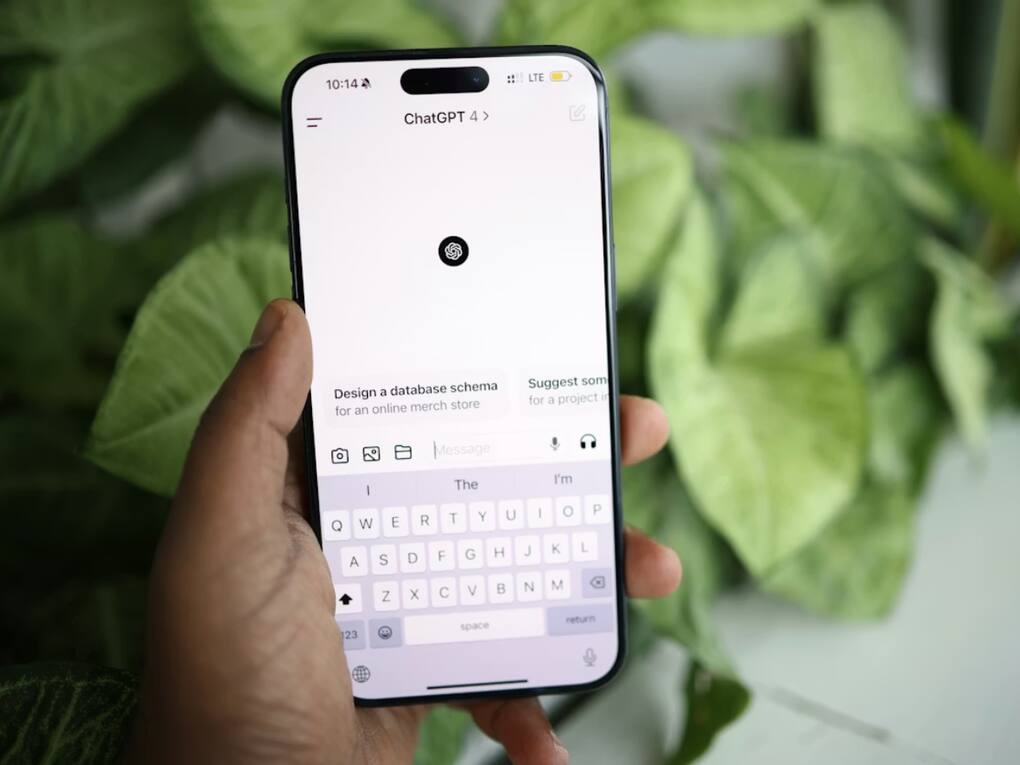
 ChatGPT’s Trusted Contact feature aims to connect users with real-world support during serious situations.
ChatGPT is rolling out a new feature called Trusted Contact, and it changes how the platform handles serious conversations around mental health. The feature allows users to add a person they trust, who can be notified if something concerning comes up while using ChatGPT.
This is not turned on by default. Users have to enable it themselves. OpenAI says the feature is meant to help people stay connected with someone they know in situations where they might need support, instead of relying only on the app.
Trusted Contact lets you add one person who can be alerted if there are signs of serious concern in your chats. This could be a friend, family member, or someone you are comfortable with.
The feature is focused on situations where a user may be talking about self-harm or showing signs of distress. It does not trigger for regular conversations or everyday use.
Once enabled, ChatGPT’s system looks for patterns in conversations that may point to serious concern. If something like that comes up, the user is first informed and asked to consider reaching out to their Trusted Contact.
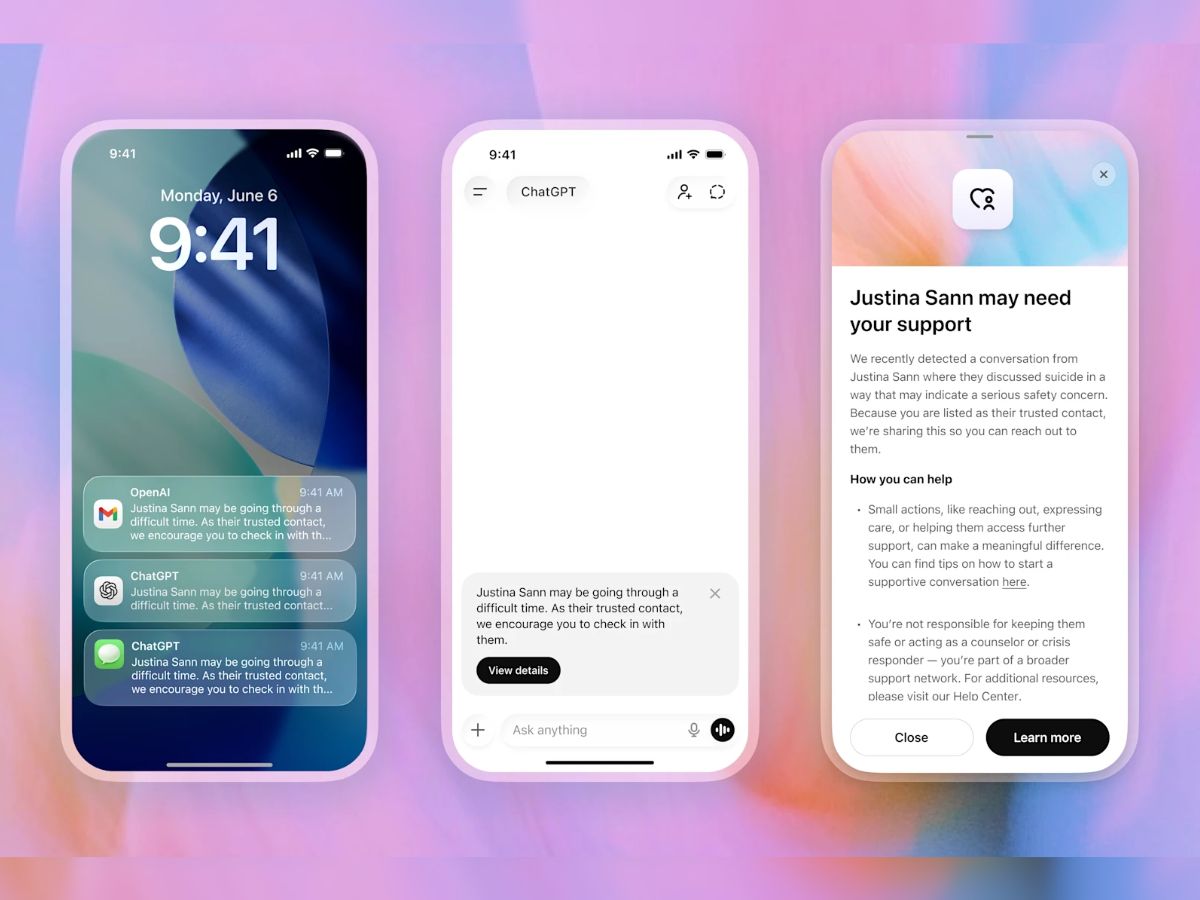
How notifications are sent to trusted contact (Image credit: OpenAI)
After that, the conversation is reviewed by a trained team. If they see a genuine concern, a notification is sent to the Trusted Contact. The alert can come through email, SMS, or even inside the ChatGPT app, depending on how the contact is set up.
The message itself is brief. It doesn’t include chat history or full conversations. It simply tells the contact that something may be wrong and suggests they check in.
To use this feature, go to settings in ChatGPT and add a Trusted Contact. You can only add one person, and they must be an adult. Once added, that person will receive a request explaining what this feature is. They need to accept it within seven days. If they don’t, you can choose someone else.
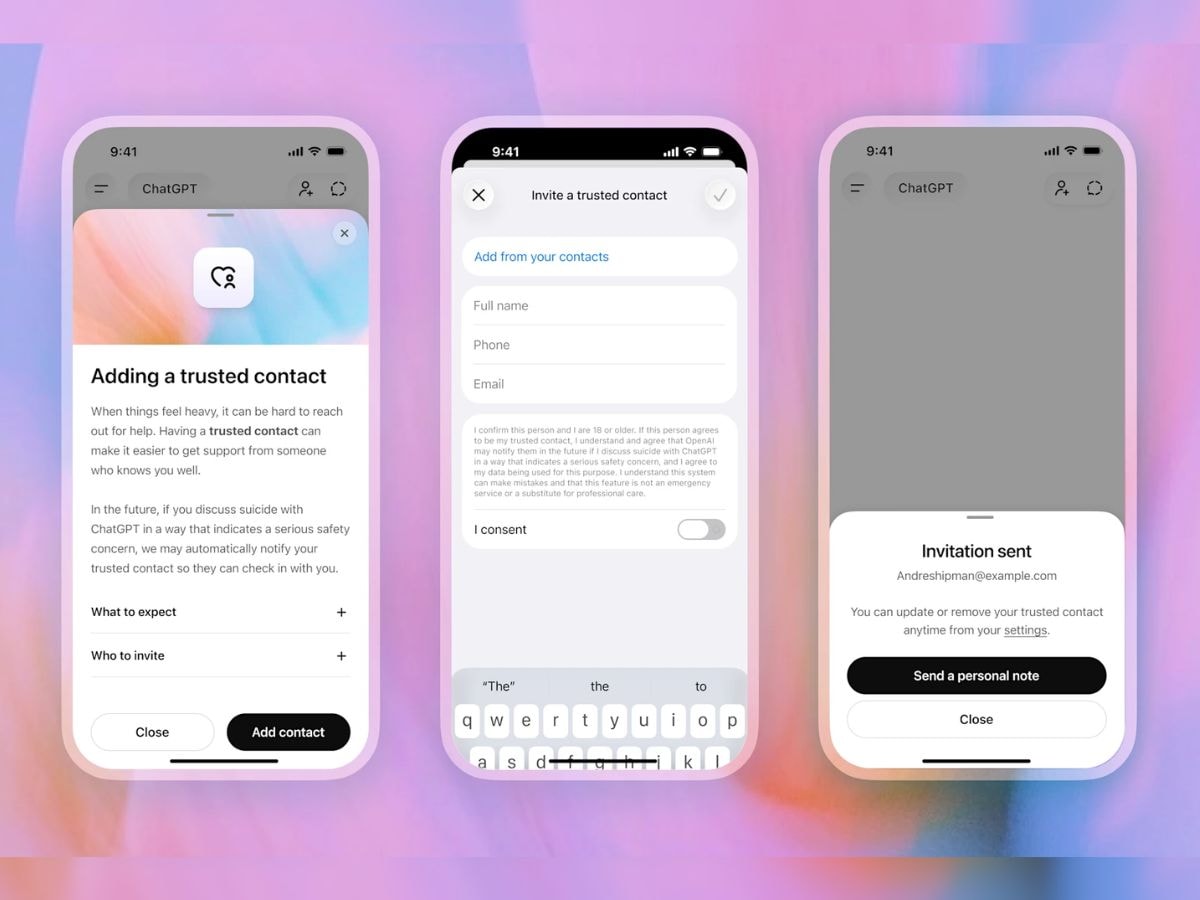
How to add trusted contact in ChatGPT (Image credit: OpenAI)
You can also remove or change the contact anytime. The person you added can also remove themselves if they want.
OpenAI has kept this feature restricted in terms of what is shared. No chat history, screenshots, or detailed messages are sent to the Trusted Contact.
Notifications are only sent after the system flags something and a trained team reviews it. This also doesn’t replace professional help. ChatGPT will still suggest contacting helplines or emergency services when needed.

This comes after ChatGPT introduced parental safety alerts earlier. Now the same idea is being extended to adult users as well. More people are using AI tools for personal conversations, including moments when they may be struggling. This feature is meant to push users towards real-world support instead of handling everything inside the app.