


Written By Divya
Edited By: Divya | Published By: Divya | Published: Apr 16, 2026, 11:58 PM (IST)
 YouTube Update Lets You Hide Shorts Completely


Written By Divya
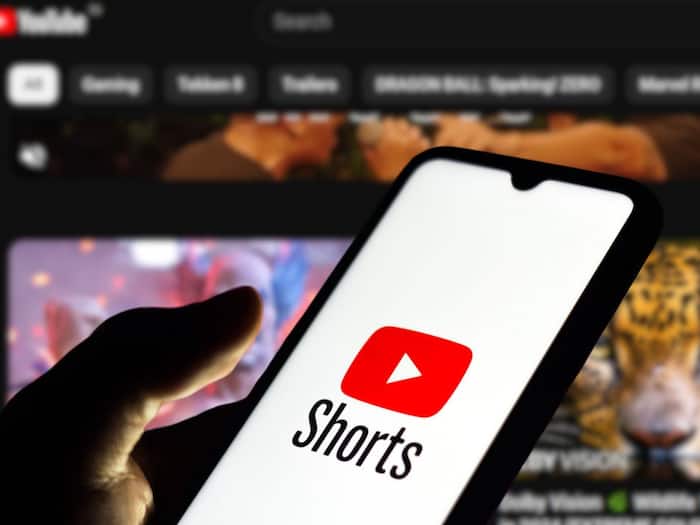
YouTube Shorts Update: YouTube has introduced a feature that many of you have been asking for so long – the option to effectively turn off YouTube Shorts. Well, this doesn’t remove Shorts completely from the app, but it does let you hide the dedicated Shorts feed, which is where most of the endless scrolling happens.  Also Read: UK plans default social media curfew for teens after midnight: Here's how it will work
Earlier, YouTube allowed you to limit Shorts usage, but the minimum limit was 15 minutes. Now, there’s a new option of “0 minutes.” Once you set the Shorts limit to zero, the app treats it as if you’ve already reached your daily limit. So instead of showing videos, it simply displays a message saying you’ve hit the limit. Also Read: Google Search adds free AI image generation in AI Overviews
In short, the scrolling stops before it even starts! Also Read: Google I/O Connect India 2026: Google unveils AI Research Foundations programme, ATL Saathi and enterprise AI initiatives
Short-form content is designed to keep you hooked, and YouTube Shorts is no different. While it works for quick entertainment, it can also turn into long, unplanned screen time. This update gives all YouTube Shorts users more control. If you primarily use YouTube for longer videos such as tutorials, reviews, or podcasts, this setting helps cut out distractions.
Interestingly, the feature was first introduced as part of parental controls. Now, it’s being rolled out to regular users as well.
If the feature is available on your app, here’s how you can enable it:
Once done, the Shorts section will stop showing videos on your feed.
Ans. No. This doesn’t remove Shorts from the app entirely. You may still see short videos in places like search results or subscriptions.

The main infinite-scroll Shorts feed, which most people spend time on, will be effectively disabled. It’s a simple setting, but it changes how you use the app. If you’ve been trying to cut down on mindless scrolling, this is probably one of the easiest ways to start.

Don't Miss Out the Latest Updates. Subscribe to Our Newsletter Today!
