



Written By Deepti Ratnam
Published By: Deepti Ratnam | Published: Mar 11, 2026, 10:55 AM (IST)


Written By Deepti Ratnam
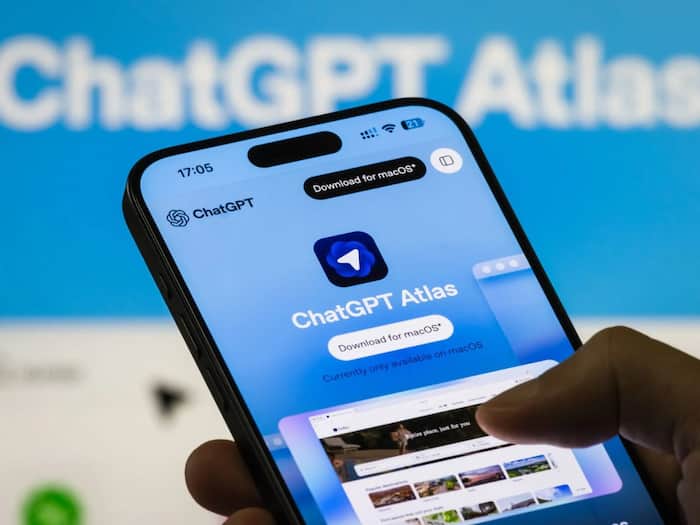
OpenAI has introduced a new update for its AI-focused browser called ChatGPT Atlas. This new update brings multi-account login support for users, allowing them to sign in with different ChatGPT accounts. This new feature is applicable across separate browser profiles. With the launch of this update, OpenAI aims to make the browser more useful for people who use ChatGPT for different purposes, including work, research, study, and personal tasks.
OpenAI launched its AI-powered ChatGPT Atlas on October 21, 2025 with an objective to make browsing smarter by directly integrating ChatGPT into the browsing experience. The browser gained massive popularity and attention, however, some users felt that it lacked several features, especially those found in traditional web browsers.
To address this concern, OpneAI has been releasing regular updated, improvements, and features to the platform. To make the browser more practical for everyday use, the tech giant added several improvements over time.
OpenAI’s latest update to its Atlas browser now allow users to have multiple signing via ChatGPT accounts using different browser profiles. It means, you can now keep separate accounts for work, school, college, personal use. Each profile will have its separate browsing history, tabs and activity.
To recall, the Atlas browser already supported multiple profiles. Nevertheless, those profiles couldn’t be connected to separate ChatGPT accounts. This became a limited feature for users who manage different identities or workflows. But, the new update, now solve this issue and allow each profiles to have its own ChatGPT login.
ChatGPT has become a household name, wherein users have started relying on it for several tasks during the day. There are users who want to maintain different accounts, including one for work and another for personal use. Before this update, they had to repeatedly sign in and sign out when switching accounts.
The new update now helps them to move between profiles without logging out each time. This makes the browsing experience smooth along with saving time. Not only this, it also helps keep work and personal browsing activities separate.
OpneAI is steadily improving its Atlas browser with regular updates. One of the recent update added better tab organization tools, allowing users to rename tabs, group tabs, and manage them more easily. In addition, the browser, now allow extension imports for different browsing needs.
The multi-account login feature is currently available in the latest version of ChatGPT Atlas. You just need to update the browser to access the feature. As soon as you update, you can assign different ChatGPT accounts to different browser profiles and switch between them easily.
Q2. What is the new update in ChatGPT Atlas?
The update adds support for signing in to multiple ChatGPT accounts.
Q3. Check out how does the multi-account feature work?
This requires an easy step. You just need to log in to different ChatGPT accounts by using separate browser profiles.
Q4. Is this feature useful?
It helps users manage work, school, and personal accounts easily.
Q5. Do you need to sign out to switch accounts?
No

Q6. How to access the update?
Update the ChatGPT Atlas browser to the latest version.

Don't Miss Out the Latest Updates. Subscribe to Our Newsletter Today!
