



Written By Shubham Arora
Written By Shubham Arora
Edited By: Shubham Arora| Published By: Shubham Arora| Published: Jan 23, 2026, 01:42 AM (IST)




If you no longer want to use OpenAI services, you can permanently delete your account through the ChatGPT mobile app. Before proceeding, it’s important to understand what deletion means and what steps are involved.
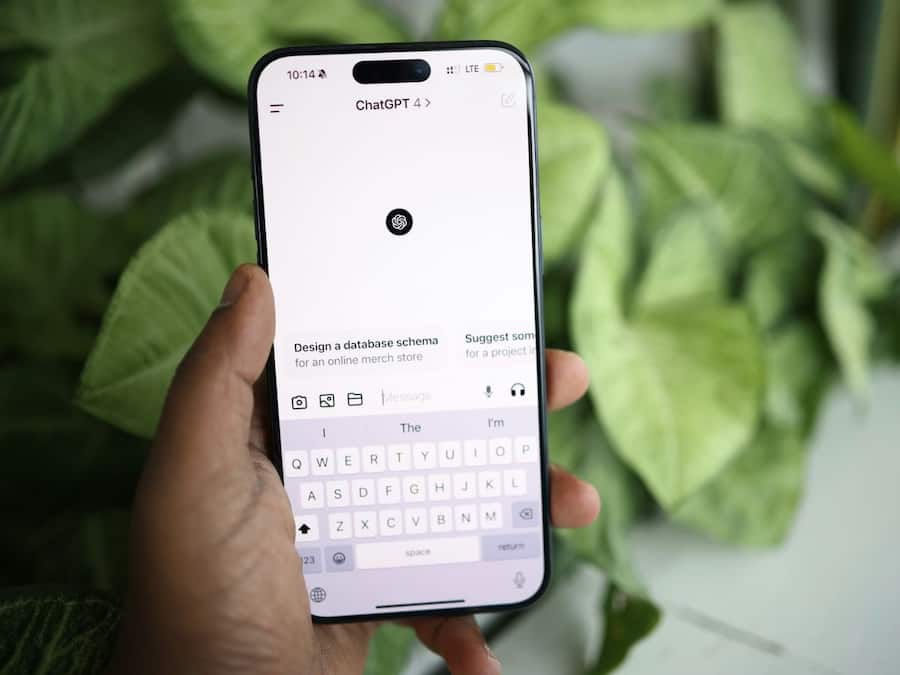
Deleting your OpenAI account is permanent and cannot be reversed. Once deleted, you lose access to ChatGPT, API services, and account data. You also won’t be able to sign up again using the same email address.
Account deletion removes your chat history, personal preferences, and API usage data from OpenAI’s systems. This is especially important for users concerned about privacy, though some data may be retained temporarily due to legal requirements.
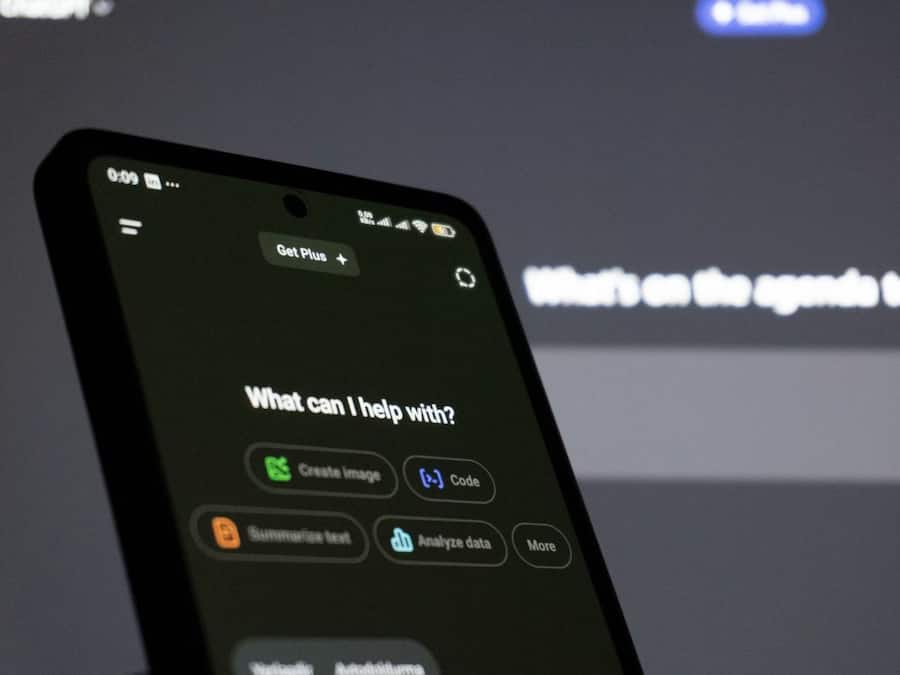
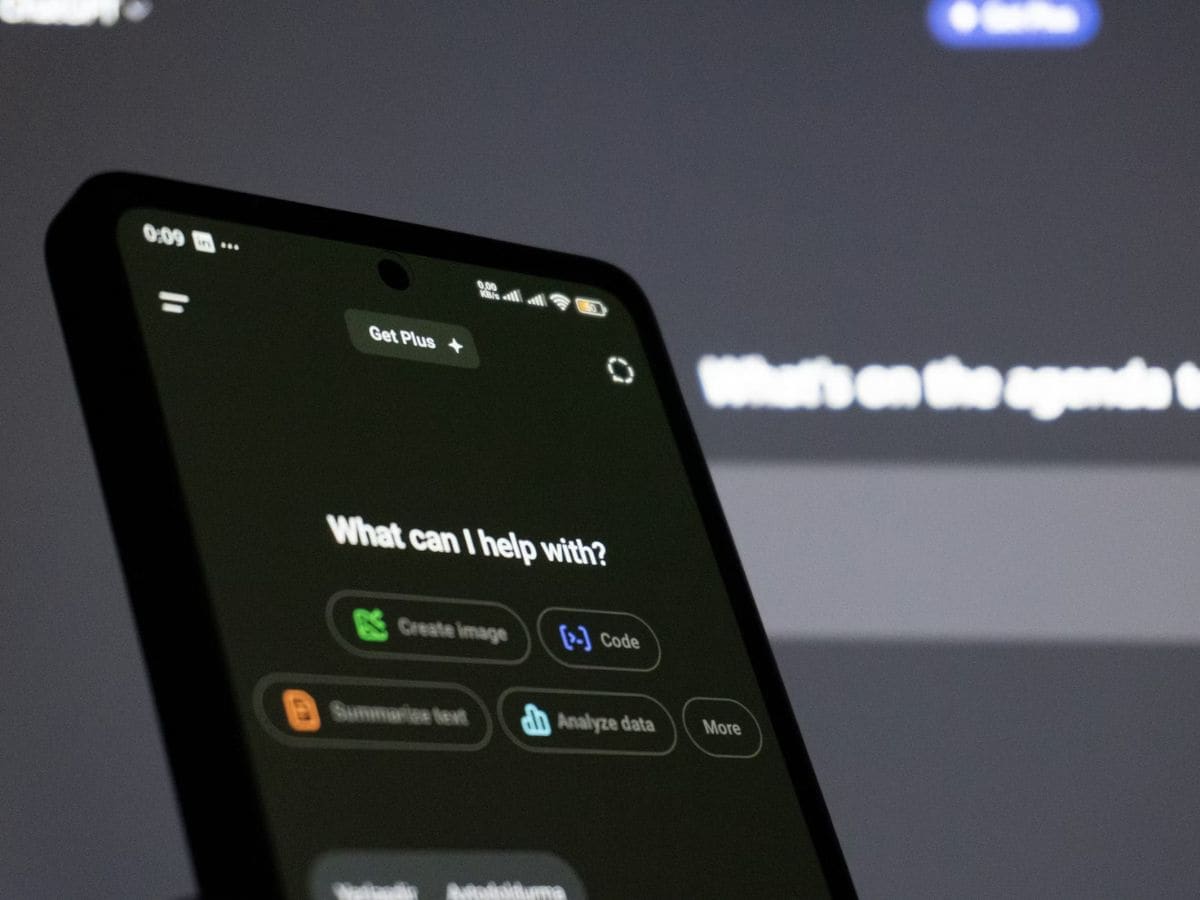
Open the ChatGPT app on Android or iOS. Tap the two horizontal lines in the top-left corner to open the side menu, which gives access to your profile and account-related options.
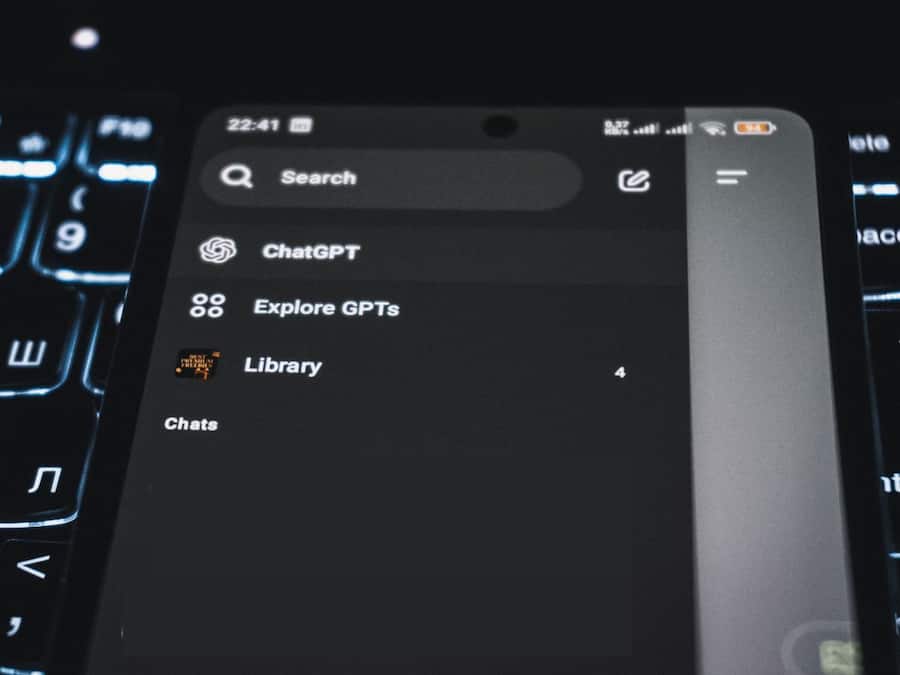
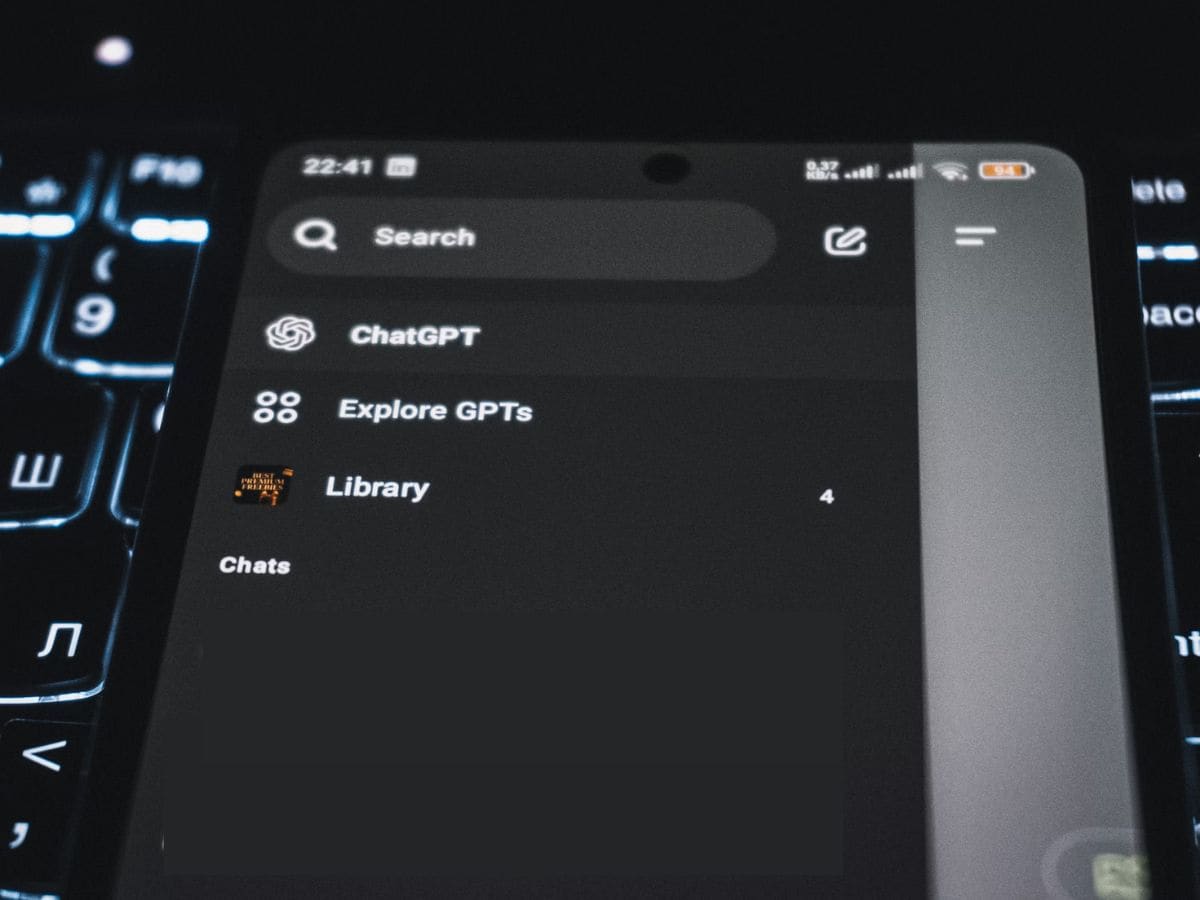
Scroll down and tap your profile icon at the bottom. Then tap the three-dot menu next to your name to open Settings, where you can manage security, subscriptions, and personal account details.
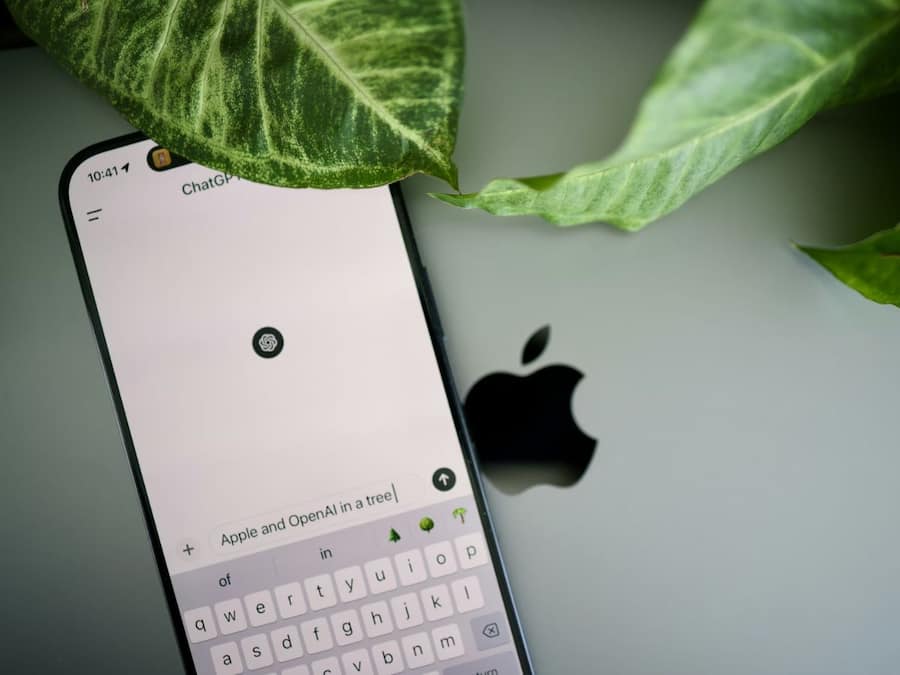
Inside Settings, scroll until you find the Data Controls section. This area lets you manage how your data is handled and includes the option to permanently delete your OpenAI account.
Tap Delete Account under Data Controls. A warning message will appear explaining the permanent nature of deletion. Review it carefully, then confirm to schedule your account for deletion.
Cancel any active subscriptions separately, especially those billed through Google Play or App Store. Back up important conversations, check linked apps, and remember that data deletion may take up to 30 days to complete.

Don't Miss Out the Latest Updates. Subscribe to Our Newsletter Today!
