


Written By Divya


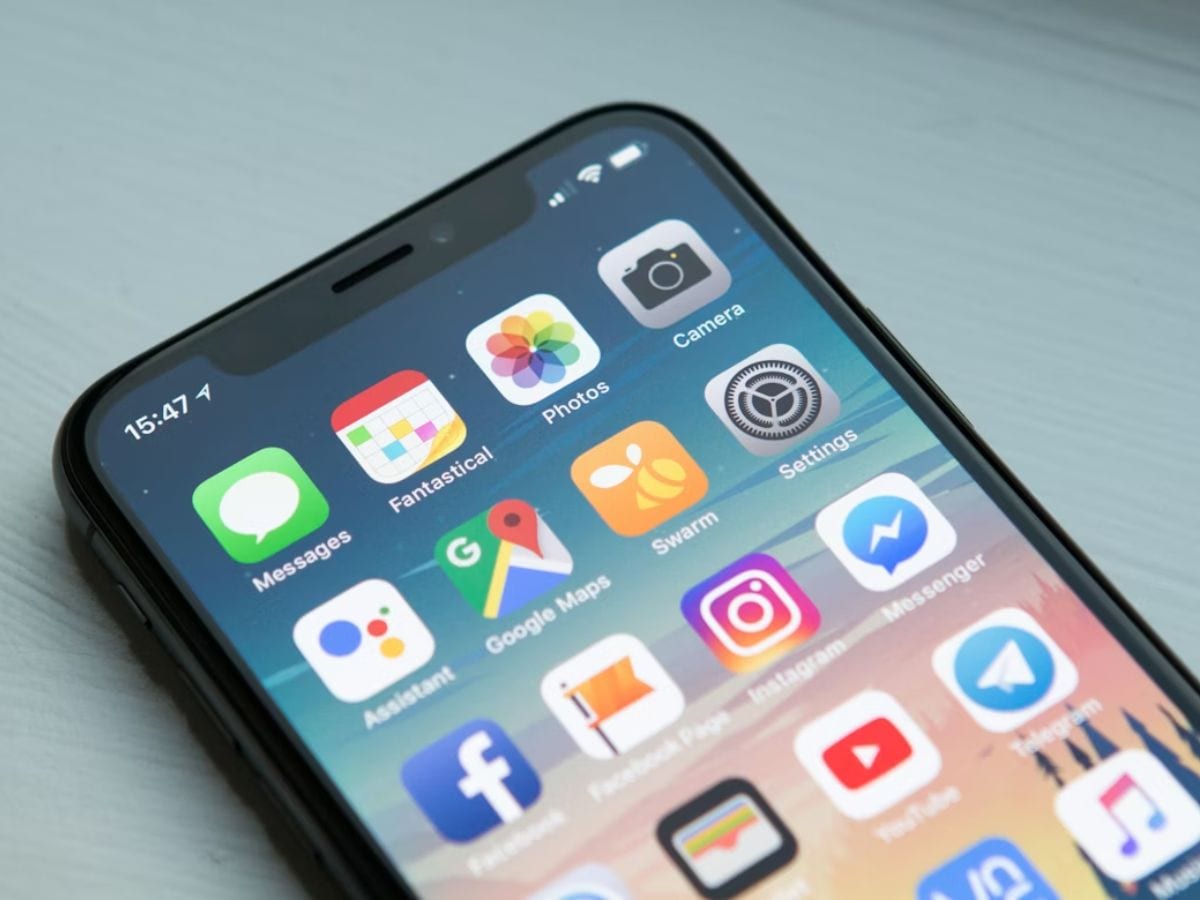
Turning off or reducing system animations makes apps open quicker and menus feel more responsive, even on slightly older phones.


Restricting background activity for unused apps frees up RAM and helps your phone focus on what you’re actually using.


Clearing cache data removes temporary clutter that can slow down apps over time, especially social media and shopping apps.


Turning off features like always-on Bluetooth, NFC, or location for unused apps can improve overall system responsiveness.

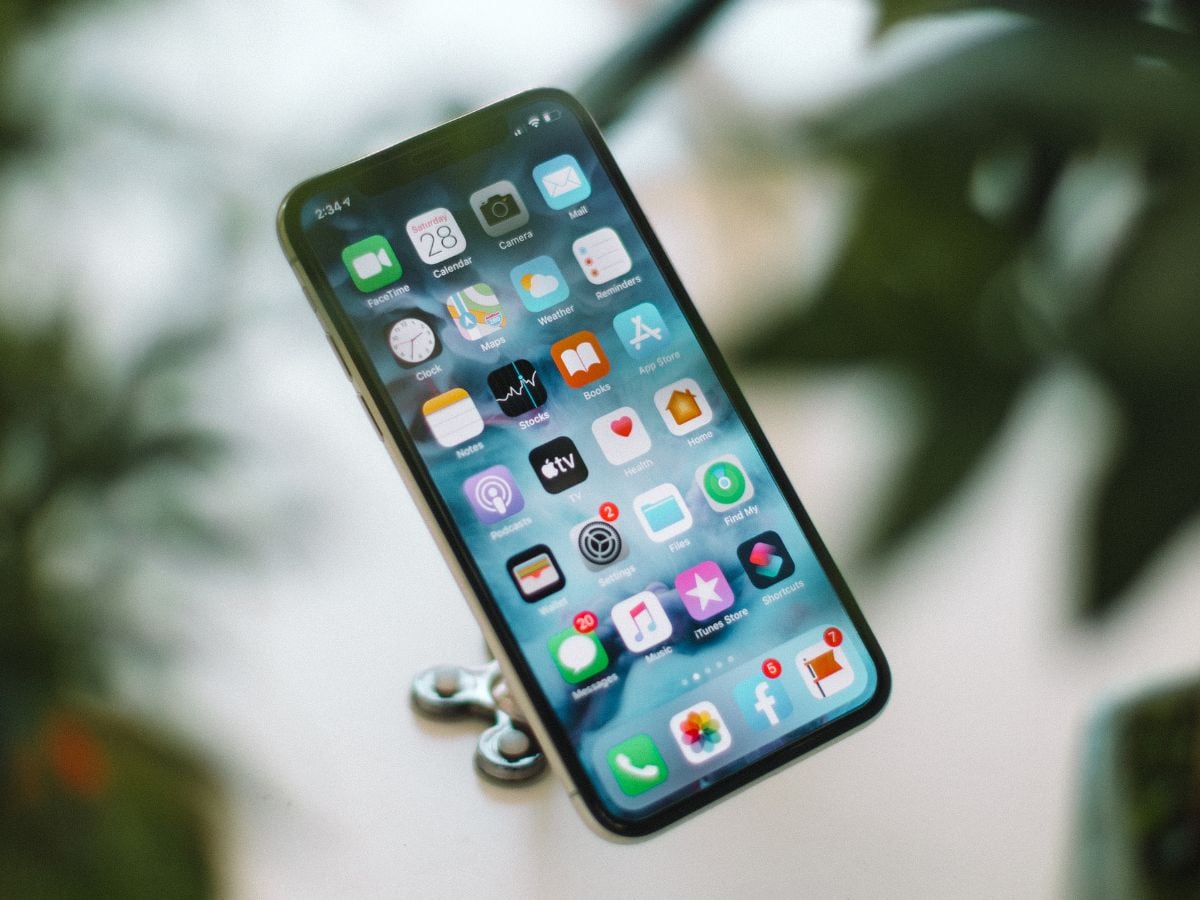
Keeping apps updated ensures performance fixes and bug improvements, which often make apps run smoother than older versions.


Limiting auto-sync for emails, cloud storage, and social apps reduces background load and helps the phone feel quicker.


Phones slow down when storage is almost full. Deleting unused apps, videos, and downloads improves speed noticeably.

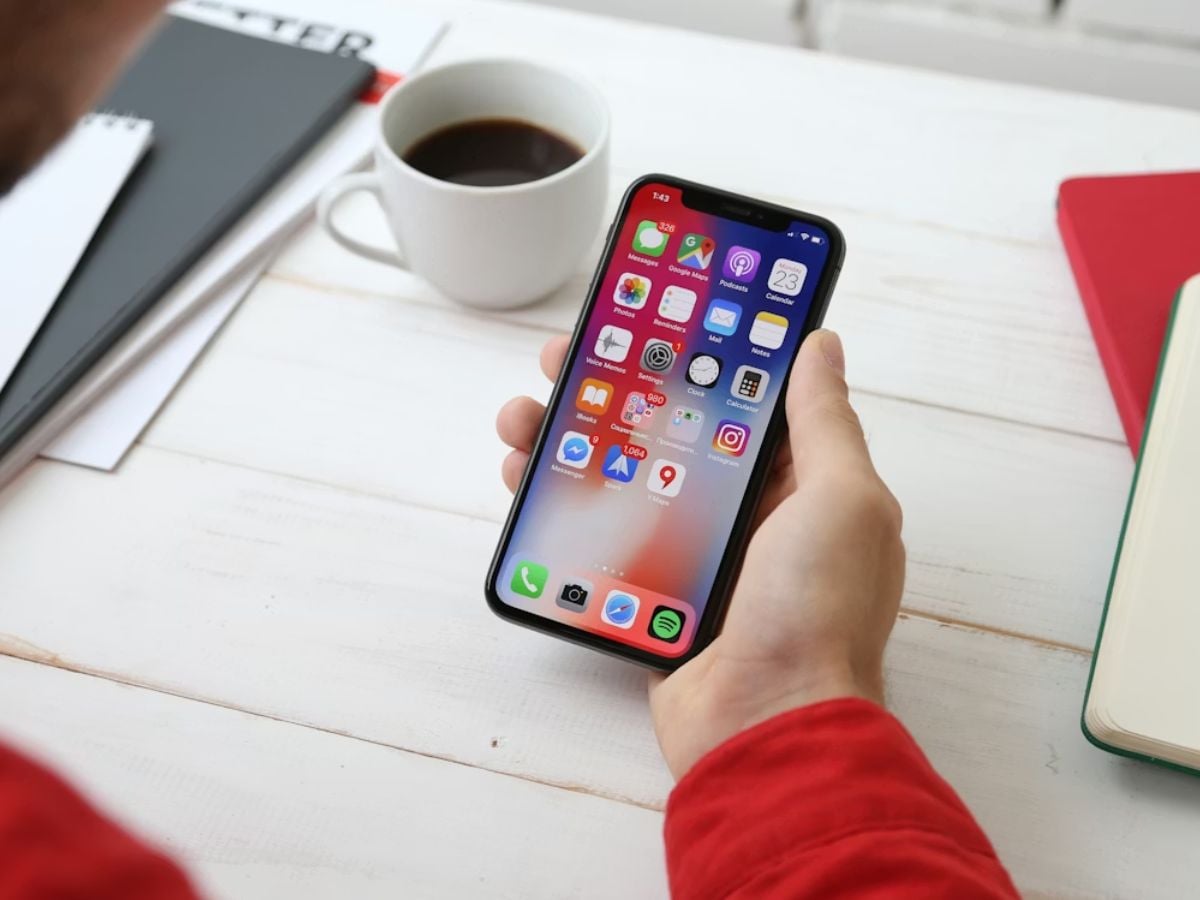
Restarting your phone once every few days clears memory, stops stuck processes, and keeps the system running smoothly.

Don't Miss Out the Latest Updates. Subscribe to Our Newsletter Today!
