


Written By Divya


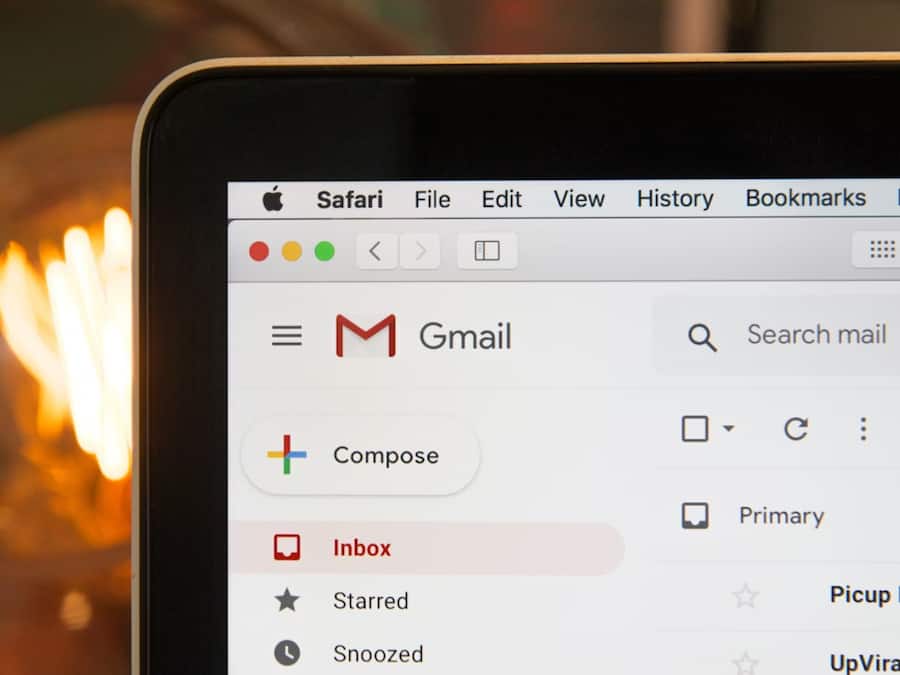
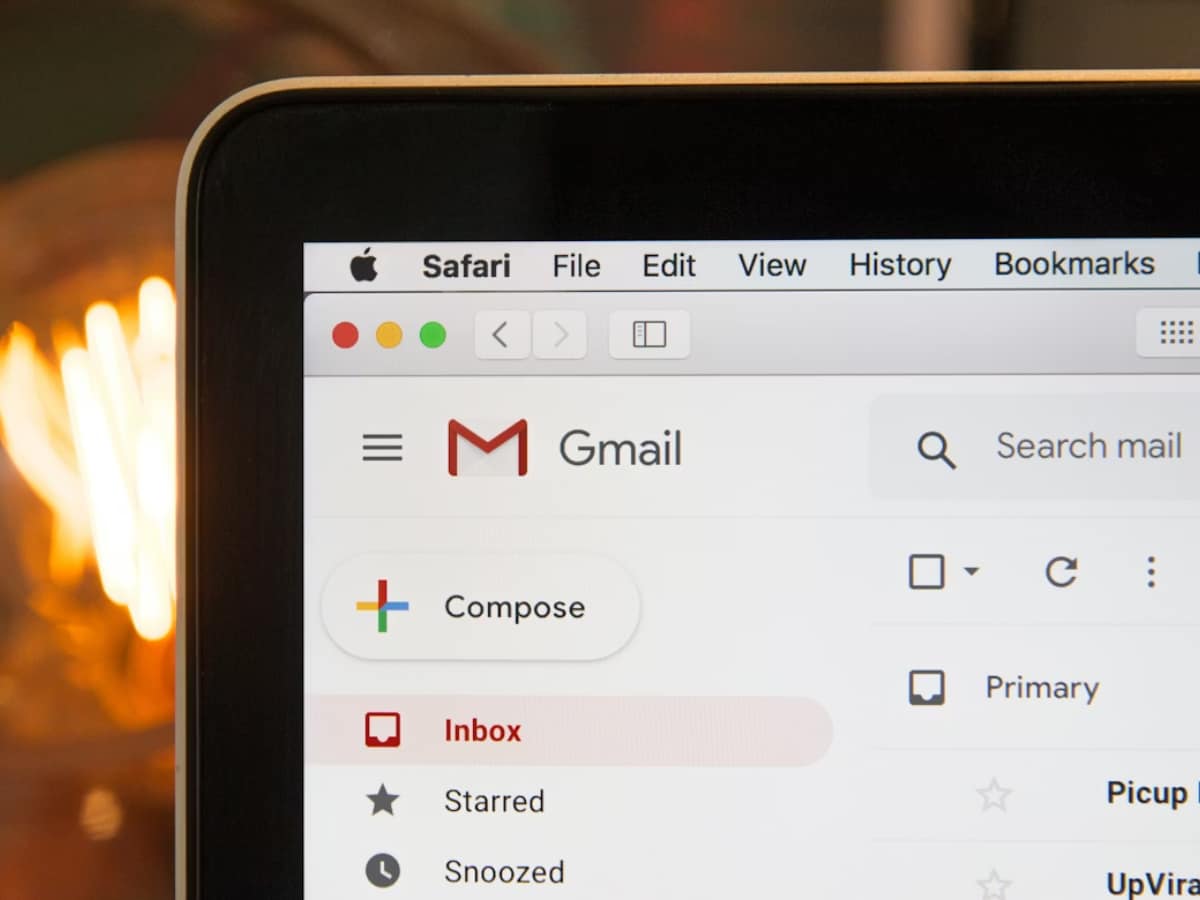
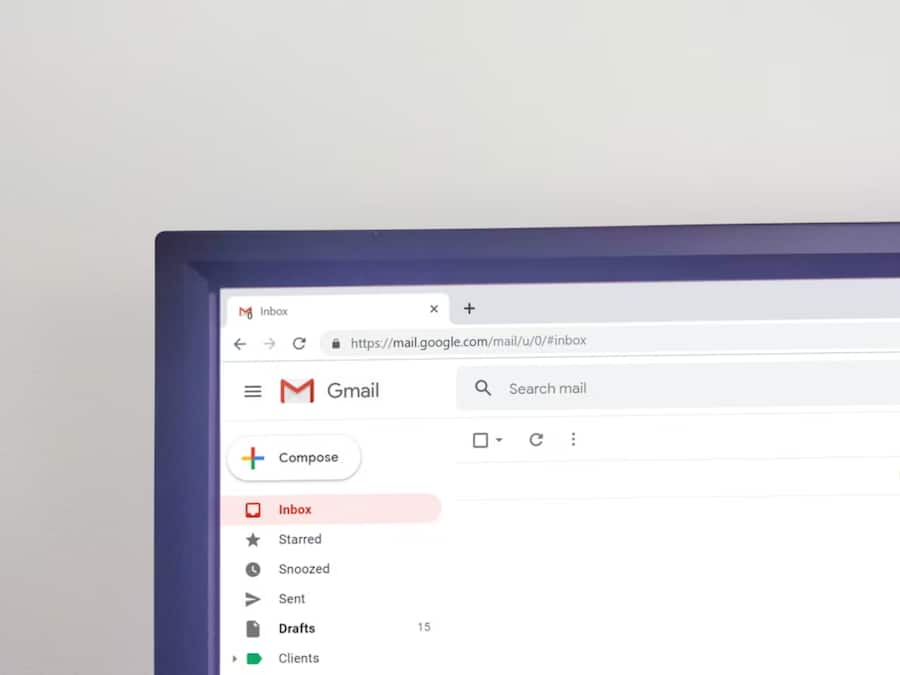
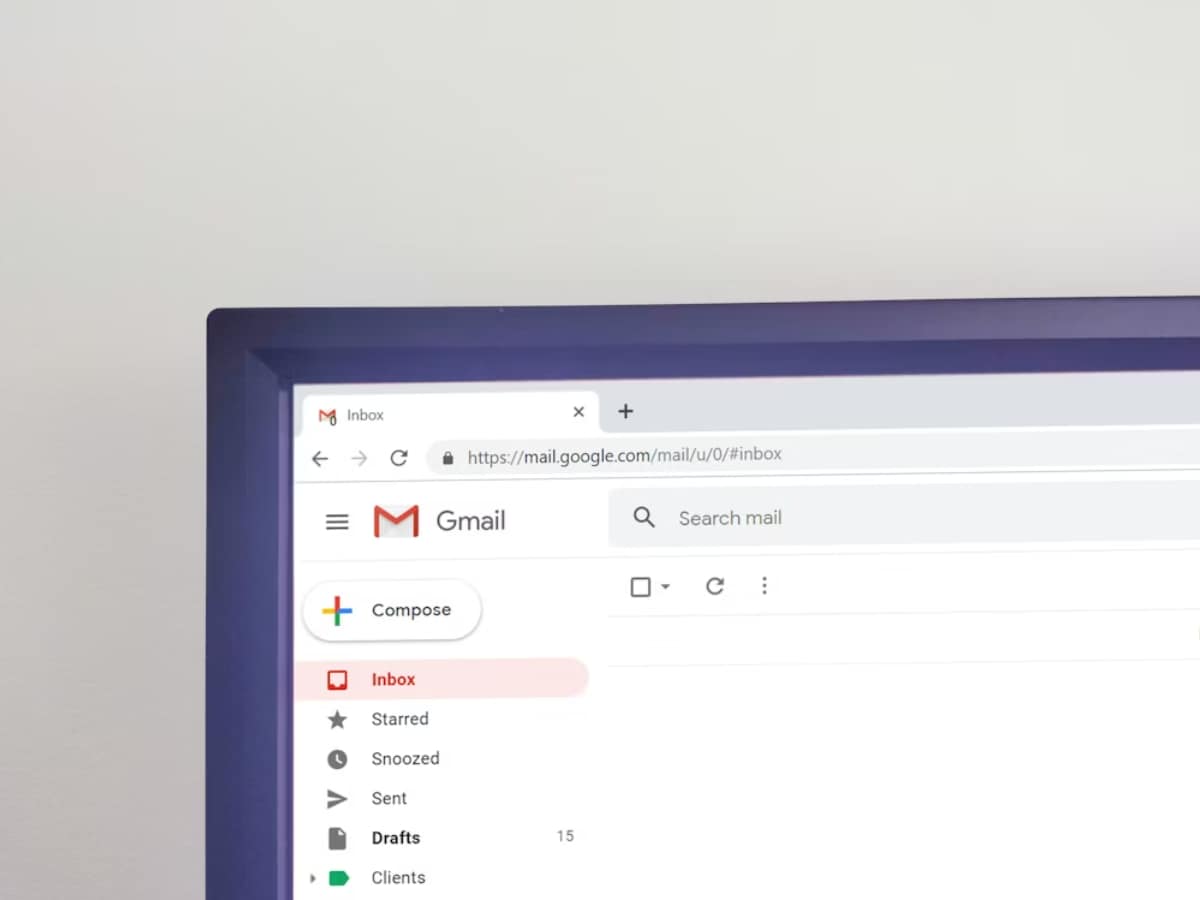
Not every email needs an immediate reply. Gmail lets you snooze messages and bring them back to the top of your inbox at a specific date and time, making it easier to manage follow-ups.
Gmail can split your inbox into separate sections for unread emails, starred messages, drafts, or custom labels. This helps keep important emails visible without digging through the entire inbox.

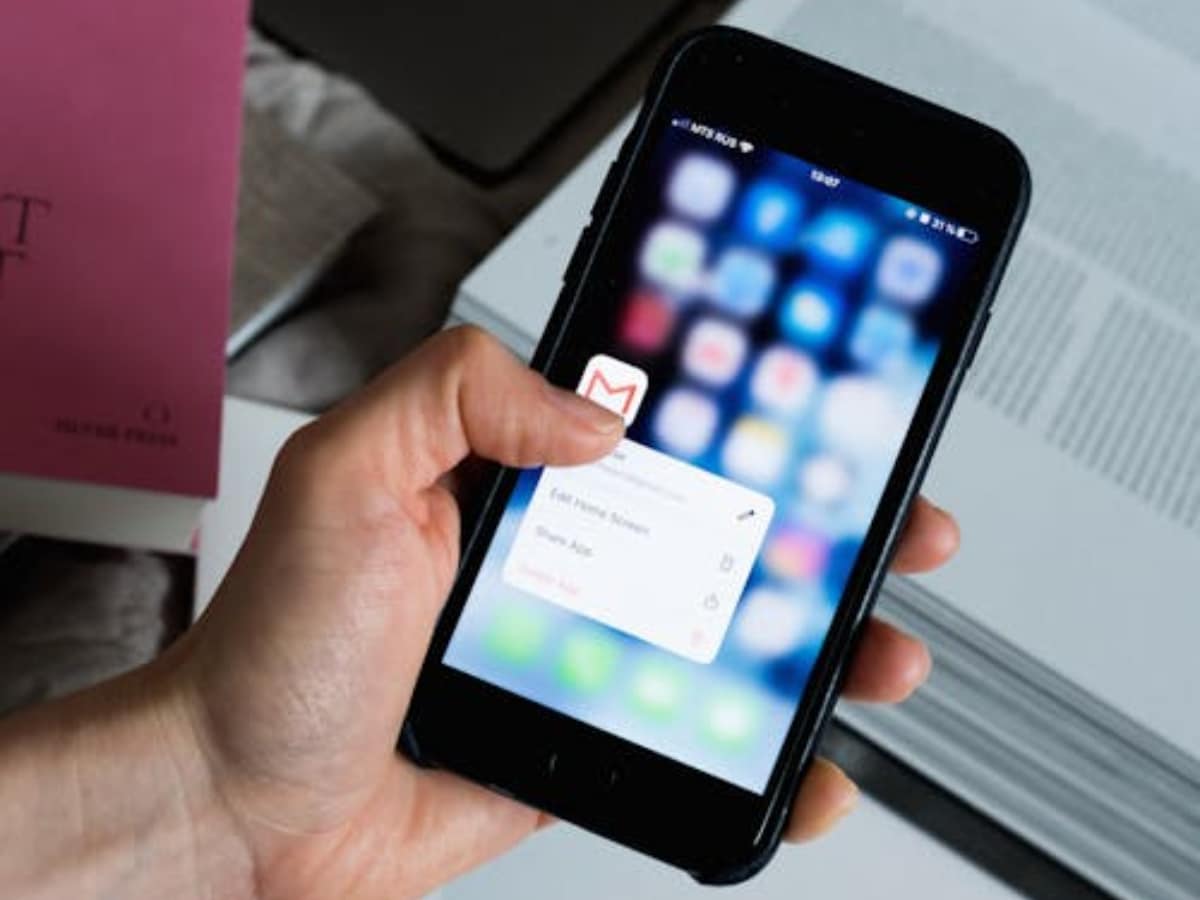
Sending sensitive information? Gmail's Confidential Mode allows you to set expiry dates for emails and even require an SMS verification code before recipients can open them.
A lesser-known Gmail trick lets you use aliases like yourname+shopping@gmail.com or yourname+newsletters@gmail.com. Emails still arrive in the same inbox, but they're easier to filter and organise.

Gmail can work even without an internet connection. By enabling Offline Mode in settings, you can read, search, and draft emails during flights or while travelling.
Instead of scrolling endlessly, Gmail lets you search emails using filters like sender, attachment type, date range, file size, or specific keywords. It can find years-old emails within seconds.
This hidden setting automatically opens the next email after you archive or delete one. It sounds small, but it makes cleaning up a crowded inbox much faster.
Accidentally hit send too early? Gmail allows you to delay outgoing emails for a few seconds, giving you a short window to cancel or fix mistakes before the email reaches the recipient.

Don't Miss Out the Latest Updates. Subscribe to Our Newsletter Today!
