



Written By Shubham Arora
Published By: Shubham Arora | Published: Mar 18, 2026, 07:32 AM (IST)
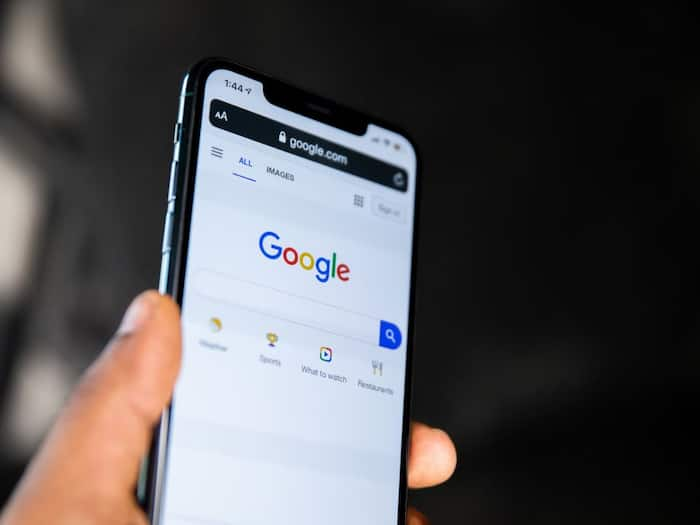
 Google Chrome now includes a bookmarks bar on Android tablets and foldables.


Written By Shubham Arora
Google is adding a new feature to Chrome on Android that brings a bookmarks bar to tablets and foldables. The idea is simple — you can now access saved websites directly from the main screen instead of opening the bookmarks menu every time.  Also Read: Inside Google Maps’ biggest redesign in years: AI tools and 3D navigation explained
As first reported by 9to5Google, Chrome on Android is getting a bookmarks bar similar to what users see on desktop. The bar appears just below the address bar and shows saved bookmarks in a row. Also Read: Google Play gets PC games section, trials for paid titles, and more
Bookmarks appear below the address bar with their icons and names. If you have organised them into folders, those show up here as well and can be opened without leaving the current page. It makes switching between saved sites quicker, especially on larger screens. Also Read: Gmail Tricks That Can Save You Time Every Day
If there are more bookmarks than the space allows, a small arrow appears at the end of the bar. Tapping it reveals the rest of the saved links.
The feature works in a familiar way. You can tap on any bookmark to open it, or long-press to see the full URL. There is also an “All bookmarks” option, which opens the full bookmarks page if you want to manage or browse everything at once.
This change mainly targets tablets and foldables. On regular smartphones, the bookmarks bar remains hidden by default due to limited screen space.
The bookmarks bar is being rolled out with version 146 of Chrome for Android.
To turn it on:
If the option does not show up immediately, updating the app and restarting it may help. Some users may need to force stop the app once for the setting to appear.

Google has been slowly adding desktop-like features to Chrome on Android, especially for larger screens. The bookmarks bar is a small change, but it makes day-to-day browsing a bit quicker if you rely on saved links regularly.

Don't Miss Out the Latest Updates. Subscribe to Our Newsletter Today!
