



Written By Shubham Arora
Edited By: Shubham Arora | Published By: Shubham Arora | Published: May 13, 2026, 11:02 AM (IST)
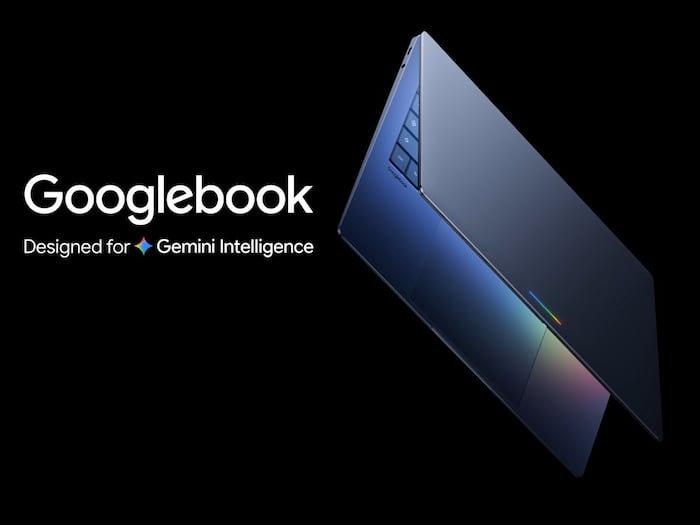
 Googlebook teased as an Android-powered laptop with built-in Gemini AI features. (Image credit: Google)


Written By Shubham Arora
Google has teased a new category of laptops — the Googlebook, moving over the Chromebooks. Unlike the latter that centred only around the cloud, the new device will bring Android and AI into the mix. Google is also moving from a traditional operating system approach to what it calls an intelligence-first system.  Also Read: Google Search adds free AI image generation in AI Overviews
The tech giant plans to build a laptop that feels more connected to your phone and apps, while also adding Gemini AI features across the system. Also Read: Google I/O Connect India 2026: Google unveils AI Research Foundations programme, ATL Saathi and enterprise AI initiatives
Googlebook is positioned as a laptop designed around Gemini Intelligence. It combines parts of Android with the Chrome browser experience, which means you get access to apps from Google Play along with a desktop-style setup. Also Read: New Android malware can secretly take over your phone, steal banking details: What you need to know
This may make everyday tasks quicker. Instead of switching between apps or searching manually, the system is expected to suggest actions based on what you are doing on screen, and in some cases, even before you actively look for them.
Google has also hinted that this could be a step beyond Chromebooks, and may eventually replace how ChromeOS works on current devices.
One of the main features added to the cursor is something called Magic Pointer. When you move or “wiggle” it, Gemini pops up suggestions based on what is your screen.
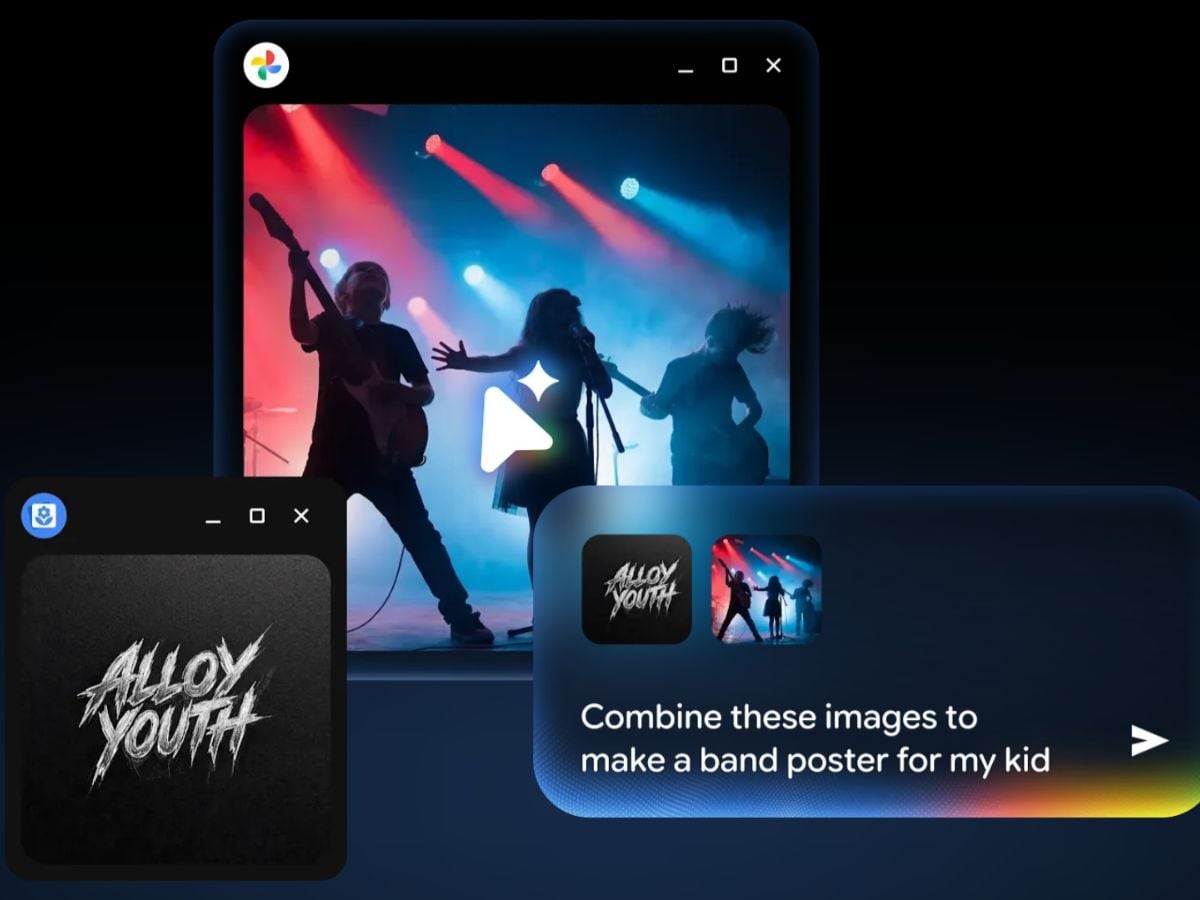
Googlebook Magic Pointer activates Gemini AI suggestions when you wiggle the cursor. (Image credit: Google)
For example, if you hover over a date in an email, it can help you set up a meeting. If you select images, it can combine or visualise them together.
Another feature is “Create your Widget”. This lets you build custom widgets using prompts. It can pull data from apps like Gmail or Calendar and show everything in one place. So instead of opening one app after another, you can see things together in one place on your desktop.
Googlebook runs on Android at its core, which means it is built to work closely with your phone and other devices.
You can pull up files from your phone directly on the laptop using Quick Access, without needing to transfer them. Apps are also expected to carry over between devices, so you can switch between your phone and laptop without it feeling like you are starting over. For instance, you can quickly check something on your phone and get back to your laptop without disrupting what you were doing.
On the hardware side, Google says Googlebook will come with premium build quality and different sizes. The company is working with brands like Acer, ASUS, Dell, HP, and Lenovo for these devices.
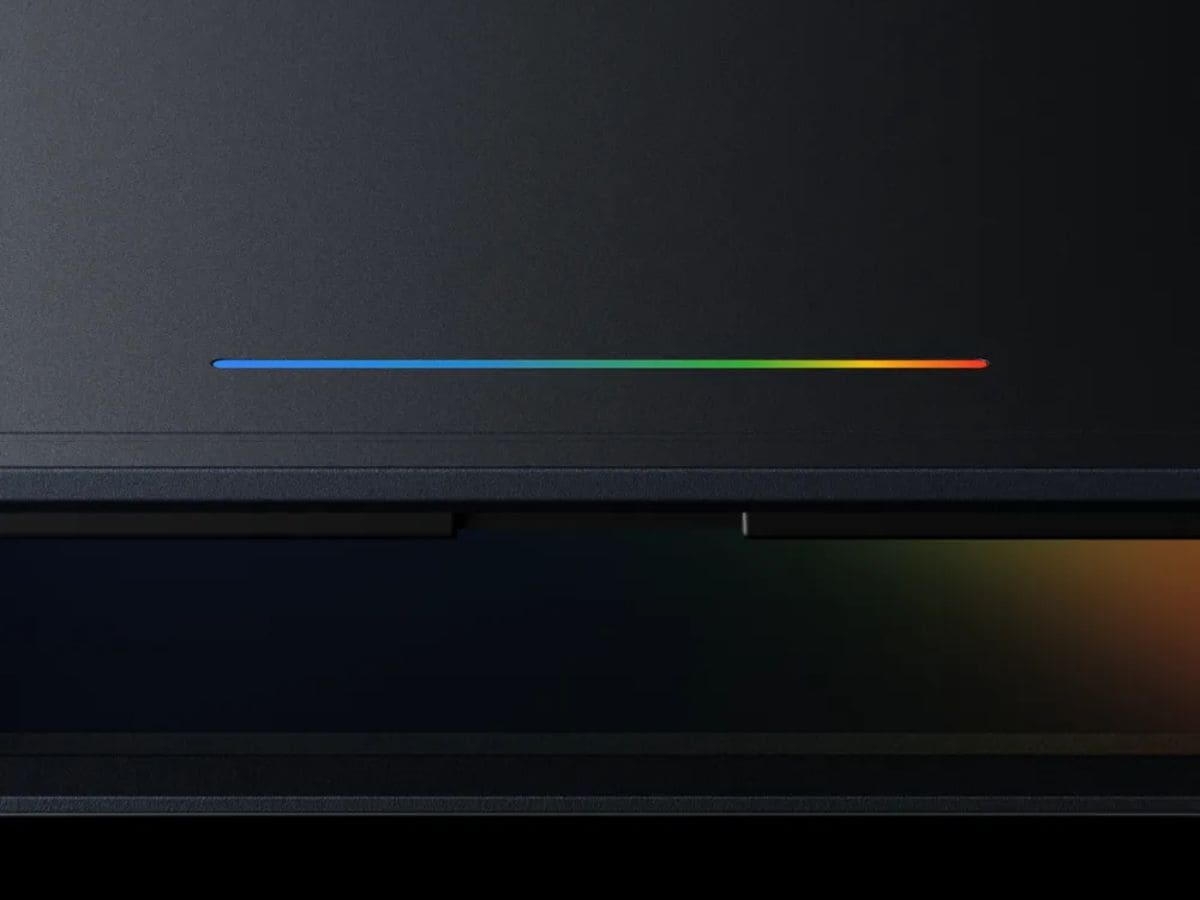
Googlebook Glowbar (Image credit: Google)
One visual element being highlighted is the “Glowbar”, which is expected to be a design signature across Googlebook laptops.

Google has only shared an early look at Googlebook so far. More details are expected to be announced around Google I/O 2026 event, which kicks off on May 20. The devices are likely to arrive later this year.

Don't Miss Out the Latest Updates. Subscribe to Our Newsletter Today!
