


Written By Nishit Raghuwanshi
Published By: Nishit Raghuwanshi | Published: Mar 15, 2025, 12:56 PM (IST)


Written By Nishit Raghuwanshi
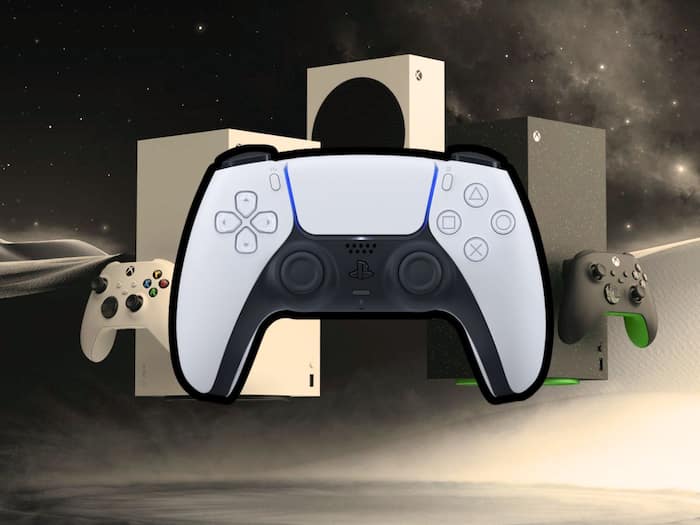
As of now, the console market is ruled by PlayStation along with Xbox trying its best to stay relevant. Keeping that in mind, we all know that the cross-functionality of controllers is something that we don’t get to see everyday. However, a developer has taken the initiative to bridge the gap by developing an app, Oberon, with which the players can connect their DualSense controller with Xbox Series X|S consoles.  Also Read: PS5 sales slow, but Sony's PlayStation profits jump 19 percent in Q3 FY25
To be precise, there are three ways to connect your DualSense controller with Xbox consoles. First, you can stream the game with Xbox’s cloud and use any controller of your choice. The second one is to purchase an adapter that connects the PS5 controller to the Xbox console. Nonetheless, for both the options you will have to almost burn a hole in your pocket for sure. The third and the free option is to get the Oberon app from the Xbox Microsoft Store. Also Read: Nioh 3 launches on PS5 and PC first, but Xbox version may come later
What’s more, is that the developer of the application has also posted a video of the app in running position on Reddit. From the video, we can see that the work is seamless. The only thing that you need to worry about is that you will be supposed to get a third-party device like a PC or a phone to connect the DualSense controller to the Xbox console. Also Read: From GTA 6 to Wolverine: Biggest upcoming PS5 games in 2026
First things first, You will have to download the OberonRemote app on your PC or laptop and then download the same app from the Xbox console store page. Keep in mind that both devices should be connected to the same network or WiFi.

Now, one thing here is that the application is a third party one and not an official alternative released by Sony or Microsoft. The app will definitely work as a boon for the people who like the DualSense controller more than the Xbox controller.

Don't Miss Out the Latest Updates. Subscribe to Our Newsletter Today!
