


Written By Divya
Published By: Divya | Published: Feb 05, 2026, 07:32 PM (IST)


Written By Divya
Missing people in Delhi within the first 15 days of January 2026 reached a count of more than 800, and it quickly alerted the citizens. Amongst these, 509 were women and girls, and the remaining 298 were men. While the numbers are already alarming as well as unfortunate at the same time, some precautions can help you save yourself in the case of an emergency.  Also Read: Google Pixel users report lock screen freezing bug after March patch
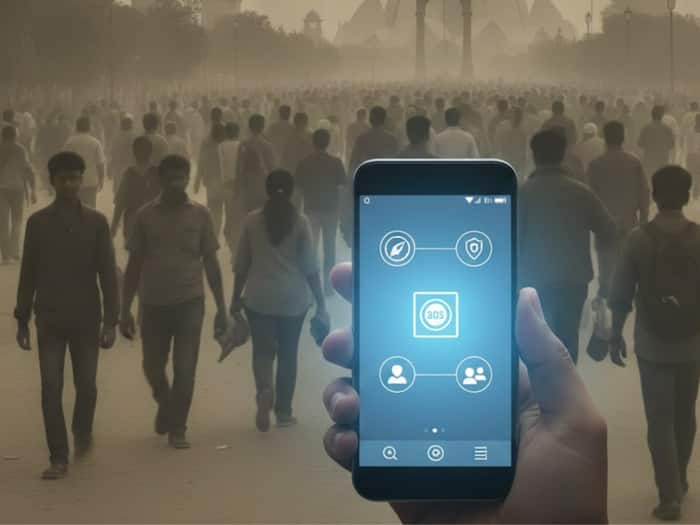
While we often talk about staying alert in public spaces, what many of us forget is that the smartphone in our pocket is not just for calls, reels, or maps. It can quietly act as a safety tool when things go wrong. I realised that most people either don’t know about these features or never take the time to set them up. And honestly, emergencies don’t come with warnings, which is exactly why these tools should be ready beforehand, not discovered in panic. Also Read: Apple beats its PLI goal by 80 percent as India iPhone production jumps
Here are five phone safety features that I believe everyone, whether using an iPhone or an Android device, should know about. Also Read: Forget iPhone 17e, Apple may finally launch iPhone 18e with Dynamic Island in 2027
This is probably the most important feature, yet many people don’t activate it. On iPhone, pressing the side button five times (or holding the side button with a volume button) automatically calls emergency services. You can also choose to alert your emergency contacts, who receive your live location.
On Android, most phones offer a similar setup inside Safety or Emergency settings. Typically, pressing the power button multiple times triggers an SOS alert. I like this feature because it removes the need to unlock the phone or search for contacts, something that can feel impossible in a stressful moment.
Sending your location before stepping into a cab or heading somewhere unfamiliar is a habit worth building. On iPhones, the Find My app lets you share your real-time location with friends or family. Android users can do this through Google Maps, where live tracking can be shared for a specific duration.
Personally, I prefer live tracking over a pinned location because it shows movement. If something feels off, someone can notice it immediately.
Many newer phones now come with sensors that can detect serious car crashes or sudden impacts. iPhones automatically contact emergency services if a severe crash is detected and you don’t respond. Some Android devices offer similar protection through the Personal Safety app, which can also run safety checks during trips.
Download this app and use it to trigger a continuous alert message in case of an emergency to seek support. It is a part of the Emergency Response Support System (ERSS), a Govt of India initiative.

Features help, but only when they’re turned on. Spend ten minutes today exploring your phone’s safety settings. Inform your emergency contacts. Enable alerts. Share locations when needed.

Don't Miss Out the Latest Updates. Subscribe to Our Newsletter Today!
