


Written By Divya
Published By: Divya | Published: Jul 25, 2025, 01:35 PM (IST)


Written By Divya
 Also Read: Next-gen Siri faces delay ahead of iOS 26.4 release
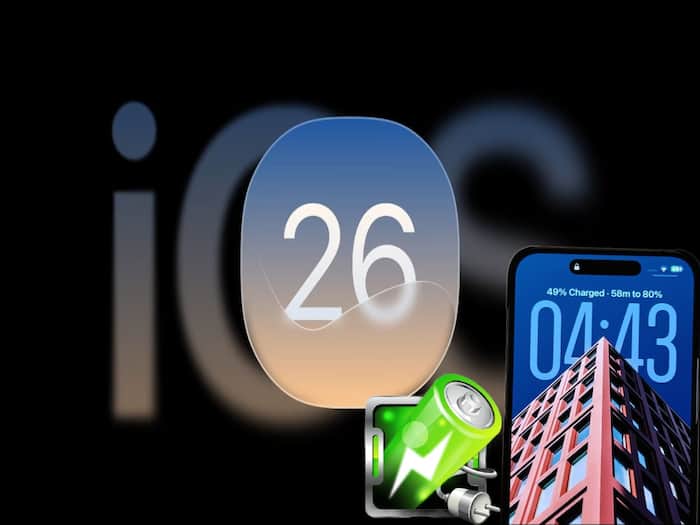
After rigorous testing by developers, Apple has finally released the public beta of iOS 26. That means, the users with the supported iPhones, the iOS 26 will be able to get their hands on all the latest features ahead of the official roll-out of the stable release. One of the most highlighted them of all is the Also Read: 7 hidden iPhone tips in iOS 26 you should try
This comes just a few months ahead of the official iPhone 17 series launch, which is expected in September 2025. The stable version of iOS 26 is also tipped to roll out along with it. In the meantime, the public beta is here to let you experience the iOS 26 features. Here’s what it brings to your iPhones and who can try it.
If you have an iPhone from this list, then you are eligible to update to the iOS 26 beta version:
If you are planning to install the iOS 26 public beta, then know there’s a lot to explore. The most talked about – iOS 26 introduces a redesigned interface called Liquid Glass. You’ll notice frosted textures, smoother animations, and widgets that shift around depending on your wallpaper.
Apart from this, iOS 26 also brings Call Screening and Hold Assist, which automatically asks unidentified callers to say who they are and why they’re calling before your phone even rings. You can decide if it’s worth picking up. Plus, a new “Hold Assist” feature stays on the line for you and alerts you when someone is finally ready to talk.
Plus, the Live Translation feature lets you translate text and speech in real time during phone calls, FaceTime chats, and messages. iOS 26 also brings a new Games app that’s your central hub for all things gaming. Discover new titles, see what your friends are playing, track achievements, and even send invites.
In addition to the new features, there are some improvements to the existing ones, such as the Photos App, which now sorts your pictures into helpful collections like trips, pets, or people. On the other hand, Visual Intelligence can now understand what’s on your screen. Just highlight anything and ask a question about it.
If you use CarPlay, iOS 26 adds Live Activities (like delivery tracking or sports scores), interactive widgets, and improved call handling. It also offers smarter route suggestions based on your schedule.
If you are excited to try out all the features of iOS 26, then here is how to install the public beta.
Before you jump to install the beta version, know that the iOS 26 Public Beta version can still be filled with bugs, and you may sometimes face app crashes. So, if you can hold your excitement until the final and stable release of iOS 26, it will be wise not to install the public beta on your main device.


Don't Miss Out the Latest Updates. Subscribe to Our Newsletter Today!
