


Written By Divya
Edited By: Divya | Published By: Divya | Published: Jan 06, 2026, 11:46 PM (IST)
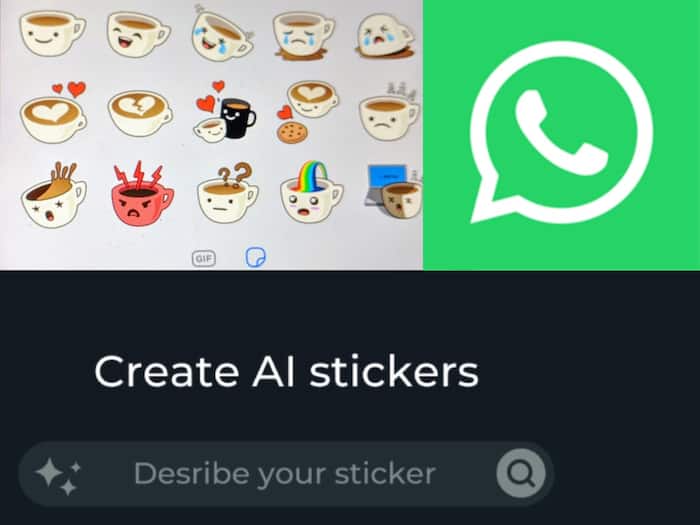
 WhatsApp AI stickers


Written By Divya
WhatsApp isn’t just about texting anymore. Over time, it has quietly added options that seems now necessary. Whether it is about privacy controls, better calling experience, and small features that actually make daily chats easier. One of the more interesting additions recently is AI-generated stickers. Well, you must be thinking that isn’t stickers have been there for so long?  Also Read: Why is this country banning WhatsApp? Here’s what’s happening
So, there real magic here is all about AI, which lets you create your own stickers just by typing what you want. Instead of scrolling through endless sticker packs or relying on third-party apps, you can now make stickers directly inside WhatsApp. Also Read: Want WhatsApp on Two Phones? Follow These Steps
How does it work? You type a short description, and WhatsApp automatically generates a few sticker options around that idea. So whether it’s a festival wish, a funny reaction, or something random for a group chat, you can create a sticker on the spot. No extra downloads. No editing skills needed.
Before you start, make sure your WhatsApp app is updated to the latest version on Android or iOS. The feature is still rolling out, so it may not be available to everyone yet. Once you see it on your phone, here’s how it works:
“Happy New Year celebration”
“Cute cat waving hello”
“Funny good morning sticker”
If you end up liking the sticker, you can save it and use it again later.
If you want to save a sticker, then simply:

Your saved stickers will show up in the favourites section, so you don’t have to recreate them every time.

Don't Miss Out the Latest Updates. Subscribe to Our Newsletter Today!
