


Written By Divya
Published By: Divya | Published: Dec 31, 2025, 04:47 PM (IST)


Written By Divya
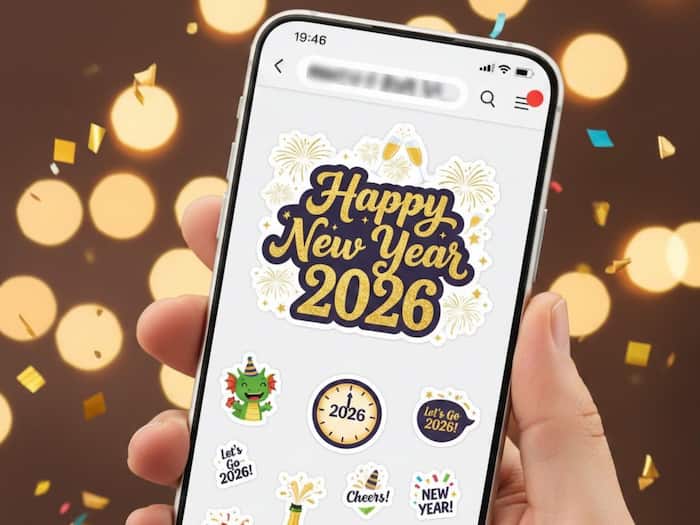
New Year is just a few hours away! Whether 2025 has been harsh on you or has offered some lifetime moments to remember, there is always hope that the next year will be better than before with more joy, prosperity and health. To make sure that your best wishes reach your loved ones, especially those with whom you can’t meet during New Year’s Eve, the WhatsApp stickers and wishes play a crucial role. Plus, the personalised stickers can make it even more interesting.  Also Read: 7 Photography Tips For New Year’s Eve Party
To help you, here is a step-by-step guide on how to send New Year 2026 WhatsApp stickers and make personalised stickers quickly. Also Read: Beware Of Happy New Year Message Scam: What You Should Not Click
WhatsApp has recently rolled out the latest existing sticker pack for Happy New Year 2026 in the sticker store. But if you want to find more options, then:
If you want your New Year stickers to feel a little more personal, then you can even create personalised WhatsApp Stickers. Before everything, you need to make sure that you already have a suitable photo saved in your phone’s gallery of you, a friend, or even a memorable moment. You can also download some festive images from royalty-free websites like Pixabay, Unsplash, or Pexels.
After that, just follow these steps:

That’s it. You now have a custom New Year sticker that feels more personal than the usual forwarded ones. After all, the New Year is about sharing memories and celebrating the moments that actually matter.

Don't Miss Out the Latest Updates. Subscribe to Our Newsletter Today!
