



Written By Deepti Ratnam
Published By: Deepti Ratnam | Published: Jan 14, 2026, 06:31 PM (IST)


Written By Deepti Ratnam
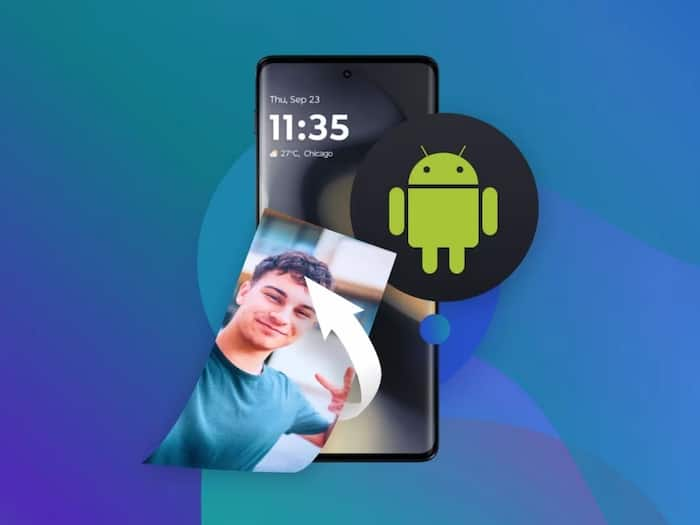
Deleting images from your smartphone is one of the most daunting experiences that you will ever have and believe me I am not untouched by this feeling. While trying to clear storage on my device, I accidentally clicked on a few prompts without reading, which resulted in the disappearance of photos within seconds. The years of precious images suddenly pass from sight. What seemed like a routine cleanup turned into a nightmare for me. This reminded me how modern technology can quietly magnify small errors and lead to frustration, loss of data, and other unwanted experiences.
Today’s smartphones are tightly integrated with cloud services, including Google Photos and iCloud. As soon as you mistakenly deletes a photo, it is often removed from the cloud as well. The interface is simple but messages like ‘free up space’ and ‘auto selected files may lead to photo deletion from your smartphone. After facing this unsettling experience of deleting my important photos from my smartphone, I thought of helping out my fellow readers. I came up with simple step-by-step guide on what to do immediately after deleting photos.
Step 1: The first and essential step is to stop using your smartphone unnecessarily. If you are continuously doing activities on your device, you can mistakenly overwrite deleted files. It becomes more important if your images are stored locally and not fully backed up.
Step 2: The next step is to open your cloud photo app. Then head straight to the Trash or Bin folder. Most of these categories keep the photos for 30 to 60 days. If you can see photos inside those folders, then you can restore them immediately.

Step 3: If you think your images are still missing, then you can connect your phone to a computer you previously used for backups. Older synced folders or backups may still contain copies of the lost images

Don't Miss Out the Latest Updates. Subscribe to Our Newsletter Today!
