


Written By Divya
Published By: Divya | Published: Dec 11, 2025, 07:24 PM (IST)
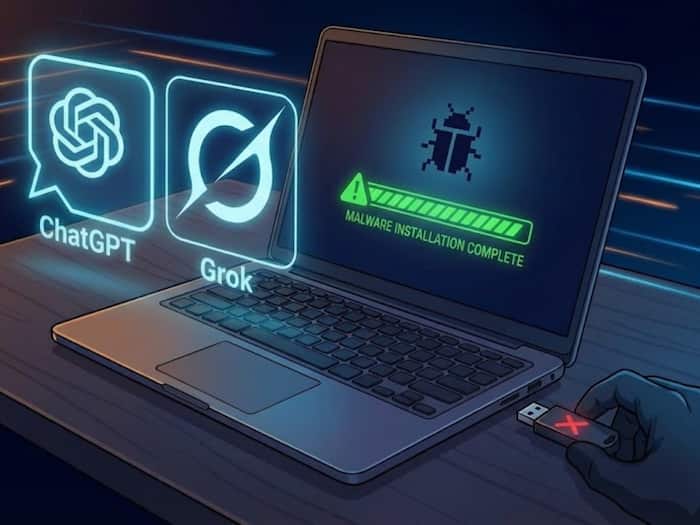
 ChatGPT, Grok and Google Were Tricked Into Helping a Malware Attack


Written By Divya
Well, you must be using AI helpers like ChatGPT, Grok or Gemini every day. Trouble is, attackers are using the same tools – not to be helpful, but to push malware. A recent Huntress report shows how simple search queries plus AI conversations can trick people into running harmful commands. Here’s how it works and what you should do.
First, the attacker talks to an AI assistant and asks it to produce a command for a common task – say, “clear disk space on Mac.” The model returns a terminal command that seems to do that. The attacker then makes the AI conversation public and even boosts it so it ranks high on Google results. When a user searches the same query, the malicious AI answer appears near the top.
If someone copies that command into their terminal without understanding it, the command can run code that gives the attacker access and that’s how the AMOS malware spread in a real incident. No downloaded EXE, no obvious phishing link – just a command you pasted yourself.

This attack bypasses usual red flags. People trust Google and popular AI tools. They’ve seen tech creators recommend similar commands before, so pasting a line from a search feels normal. That trust is the vulnerability. The scary part: the malicious advice can look perfectly ordinary until it runs.

Don't Miss Out the Latest Updates. Subscribe to Our Newsletter Today!
