



Written By Shubham Arora
Edited By: Shubham Arora | Published By: Shubham Arora | Published: Apr 04, 2026, 07:30 AM (IST)
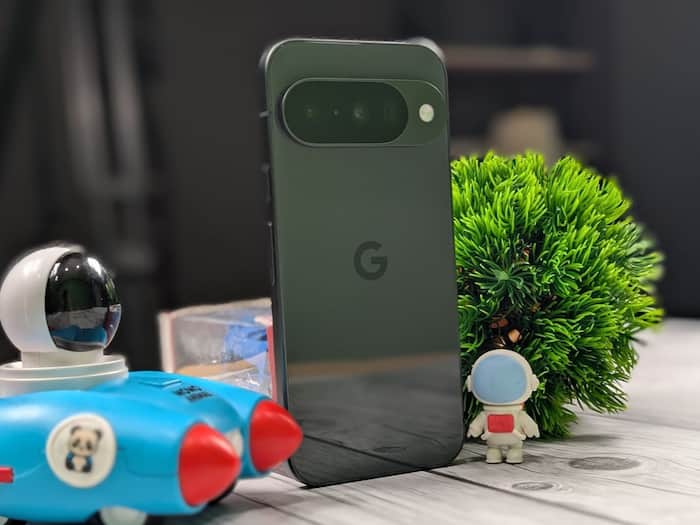
 Google Pixel 10 can now run PC games via Steam using GameNative emulator.


Written By Shubham Arora
If you are using the Google Pixel 10, there’s a new way to try something that wasn’t really possible before. You can now run PC games from Steam directly on your phone. This comes after a recent update to an emulator called GameNative, which now supports the Pixel’s hardware better.  Also Read: Google Pixel 11 Pro leak hints same design, subtle changes
This is still an early build, so it’s not perfect. But it does open up a different kind of gaming experience on a smartphone, especially if you already have a library of PC games. Also Read: Google Pixel 11 leak reveals design: Subtle changes with thinner bezels
The key change comes with GameNative version 0.9.0. The update adds support for the PowerVR GPU used in the Pixel 10’s Tensor chipset. Also Read: Google Pixel users report lock screen freezing bug after March patch
Until now, most emulators were designed around Adreno GPUs, which are commonly found in Snapdragon-powered phones. That meant Pixel devices were often left out or didn’t run games properly.
With this update, that gap is starting to close. The emulator can now run some Steam titles more reliably on the Pixel 10.
This doesn’t mean every PC game will work smoothly. But lighter titles like Stardew Valley and Hades have already been tested on the device.
How well it runs will depend on the game you’re trying. Since this is still a pre-release version, you can run into bugs, crashes, or frame drops while playing. So yes, it works, but don’t expect it to feel like a proper console experience on your phone yet.
To try it, you’ll have to install GameNative manually. It’s not on the Play Store, so you need to download the APK from its GitHub page.
After installing it, you can connect your Steam account and try running supported games. The setup isn’t complicated, but it might take a few minutes if you haven’t installed apps this way before. You can also connect a keyboard and mouse if you want better control while playing.
The update also adds a few useful features like a new interface, better navigation, and support for Steam Workshop. There are also tools to manage downloads and storage, along with a battery temperature indicator to keep track of heat during longer sessions.
If you connect your phone to a larger screen, the experience can feel closer to a desktop setup, thanks to improved support for external displays.

This is still an early version of the emulator, so issues are expected. Not all games will run properly, and performance will vary.

Don't Miss Out the Latest Updates. Subscribe to Our Newsletter Today!
