



Written By Deepti Ratnam
Published By: Deepti Ratnam | Published: Jan 15, 2026, 09:13 AM (IST)


Written By Deepti Ratnam
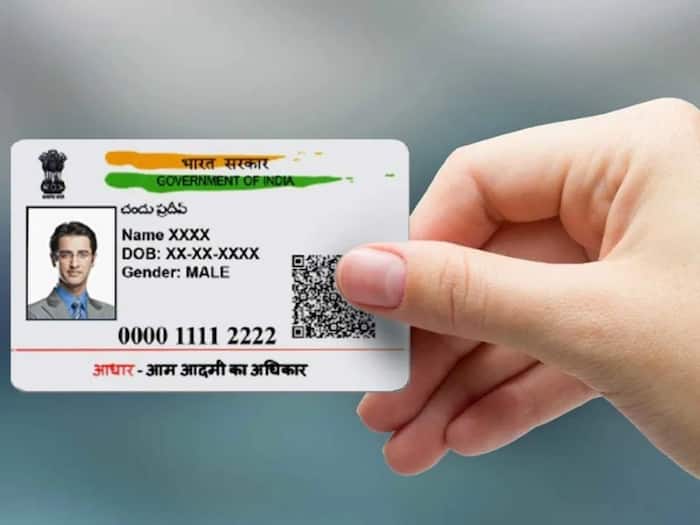
Imagine you are relocating to a new house and you want to update address and other details in your Aadhar card. However, you don’t know the full process. It must be daunting and frustrating, right? Aadhaar card is one of the most valuable documents that you should always be updated with as it is used in banks, government services and other official applications. Fortunately, with UIDAI, updating the address online is no difficult task and this can be done without any fee until July 14, 2026, making it easy to maintain the accuracy of your records without going to an Aadhaar centre.
UIDAI has made it clear that the online address update service is free only until July 14, 2026. After this date, UIDAI can ask for a small fee. If your Aadhaar contains an old or wrong address, then it is best to change it as soon as possible so that you do not have any problems with services that need supporting proof of address.
To update your address online, you must have your mobile number registered with Aadhaar. You will also need a valid Proof of Address document that clearly shows your new address. Make sure the details you enter match the document you plan to upload, including any “Care Of” (C/O, S/O, W/O, D/O) information if applicable.
Step 1: Open your computer, tablet or smartphone and visit the official myAadhaar portal.
Step 2: Fill in your 12-digit Aadhaar number and the captcha code which appears on the screen.
Step 3: Fill the OTP which you get in your registered mobile number to log in safely.
Step 4: Once you are logged in, go through the ‘Address Update’ option and choose ‘Address’ as the field
Step 5: Choose one of the addresses with care and add your new address with or without any C/O, S/O, W/O or D/O.
Step 6: Post a legitimate Proof of Address (POA) document. Validated documents are passport, bank statement, utility bill or rental agreement. Ensure that the document uploaded is similar to the address typed.
Step 7: Check all details and verify that everything is right and then submit request.
Step 8: Make your update request. To track your application, you will have a Service Request Number (SRN) or an Update Request Number (URN).
Step 9: Monitor your progress of updating your status via the SRN/URN at myAadhaar portal. The process of updating normally takes a few days though in other cases it can take a maximum of 30 days.
Step 10: Once approved, download your updated Aadhaar e-card directly from the portal.
After this you will receive an acknowledgement slip (SRN). This number will enable you to monitor the status of your address change on the myAadhaar portal. The process of updates generally takes a few working days although it may take up to 30 days in certain situations. Once this is approved, you are allowed to download your updated Aadhaar card online.

Online address updates require a mobile number linked to Aadhaar. In case your mobile is not registered then you should get to an Aadhaar Seva Kendra. You can update your address as many times as you want and other information such as your name or date of birth can also be updated online, subject to rules of UIDAI.

Don't Miss Out the Latest Updates. Subscribe to Our Newsletter Today!
