


Written By Divya
Published By: Divya | Published: Nov 03, 2025, 07:39 PM (IST)


Written By Divya
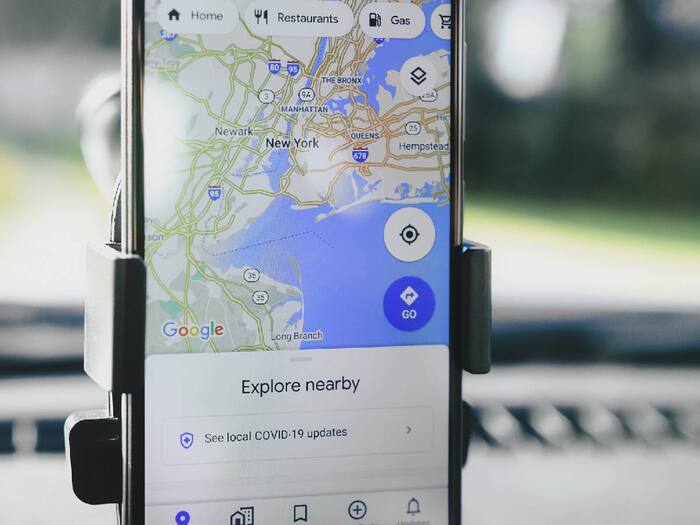
Running low on battery while navigating is one of those moments no one wants to deal with – especially when you’re depending on Google Maps to reach somewhere new. Thankfully, Google seems to be preparing a fix for that. According to reports, the company is testing a new ‘Power saving mode’ for Android that could help stretch your phone’s battery life during long drives.  Also Read: Thinking of switching from iPhone? Check these phones instead of iPhone 17 Pro
This upcoming mode, spotted by Android Authority, is hidden within the latest version of the Maps app for Android. While it’s not live yet, signs in the app’s code suggest that Google is actively developing and testing it internally, 9to5Google reported. Also Read: Google Pixel 10a specifications fully leaked ahead of launch: All details
In simple terms, this new mode will help Google Maps run with its bare essentials. Once activated, it removes almost all the usual visual elements – no traffic lines, no colourful map details, and no street names crowding your screen. According to the report, it shows only the most important details – your route, next turn, and estimated journey time – all in black and white. Think of it as a minimal navigation view designed purely for function, not flair. Interestingly, reports suggest the mode can be activated by pressing the power button while driving – though it’s unclear if that’s the final method Google plans to keep.
Now, you must be thinking, why Black and White? The idea behind the monochrome setup is pretty simple: battery efficiency. Darker interfaces consume less power, particularly on OLED screens. This could be particularly useful for people who rely on Google Maps for long drives, hikes, or travel.

There’s no official word yet from Google on when this feature will roll out. Given that the feature has already been spotted in the app’s internal code, it may not be too far away from a public release. Once available, it could become a small but handy addition for Android users who want to save every bit of battery while navigating.

Don't Miss Out the Latest Updates. Subscribe to Our Newsletter Today!
