Finding Difficulty in Connecting Laptop to a TV? Check Out This Step-By-Step Guide
Most people know that a laptop can be connected to a TV through a cast feature. However, many times even after turning on the cast toggle, the name of the TV does not show on their laptop.
Published By: Deepti Ratnam
Published: Feb 26, 2025, 09:51 AM (IST)
In the digital era, a laptop or TV is an essential part of our life. While the laptop is necessary for work life, TV is needed for entertainment. From movie streaming to video games, we enjoy a lot on the big screen. Many times we have to connect laptops to TV for office presentations or movie streaming. Connecting a laptop to a TV is quite easy. However, if you are unaware of this process, then this article is going to be useful for you.
Most people know that a laptop can be connected to a TV through a cast feature. However, many times even after turning on the cast toggle, the name of the TV does not show on their laptop. In such a situation, how to connect the laptop to the TV? Know the complete process here.
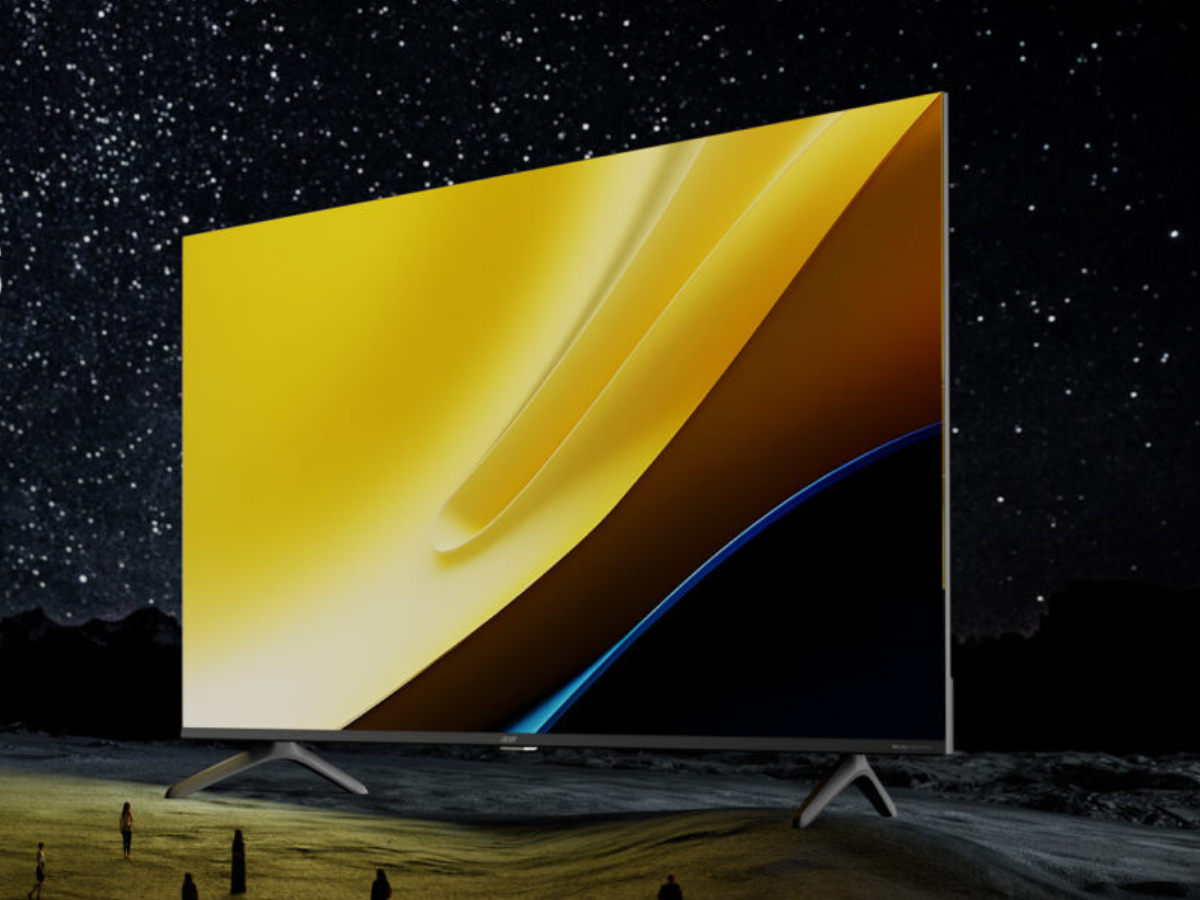
How to connect laptop to TV: Step-By-Step Guide
Get latest Tech and Auto news from Techlusive on our WhatsApp Channel, Facebook, X (Twitter), Instagram and YouTube.